Beautiful.ai
Beautiful.ai creates on-brand slide decks with AI generation and 300+ self-adjusting Smart Slide layouts, built for sales, marketing and enterprise teams.
What is Beautiful.ai?
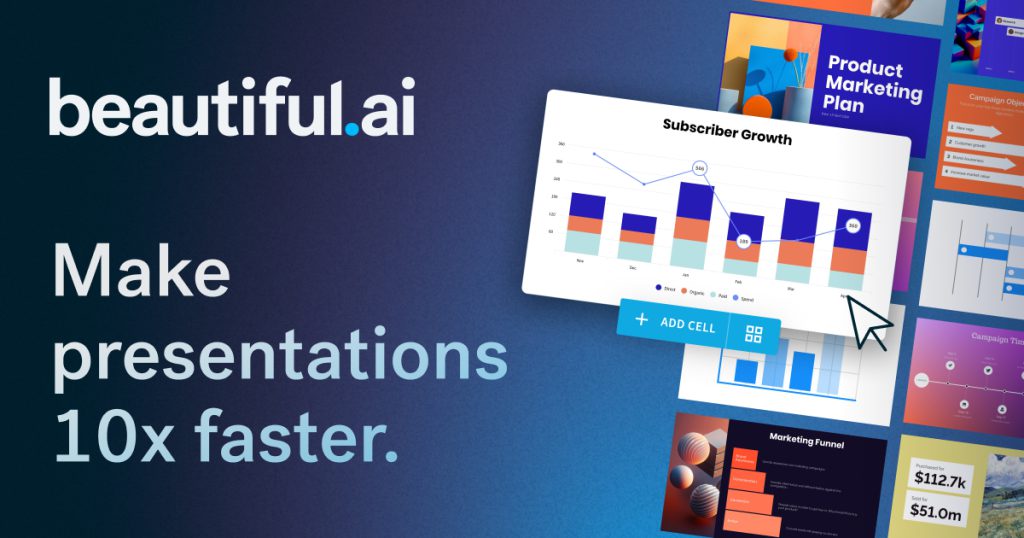
Beautiful.ai is presentation software that uses AI and automatic layout rules to help people produce polished slide decks quickly. You can generate a deck from a prompt or an outline, or build it slide by slide with "Smart Slides" that rearrange spacing, alignment and sizing as you add content.
The product is aimed at business users: sales teams, marketers, founders, consultants and enterprise departments that create a steady stream of decks and need them to stay on brand. Individuals can use it too, but much of the feature set focuses on shared themes, libraries and governance.
Key Features of Beautiful.ai
Guided AI deck creation
You start with a topic, paste a full outline or add files and links as source material. Beautiful.ai first shows a slide-by-slide outline to edit, then generates slides once the story looks right, which reduces rework.
Smart Slides
More than 300 Smart Slide layouts adjust themselves automatically as you type, covering charts, timelines, comparisons, quotes and image grids. You can switch between layouts without retyping your content.
Brand control
Colours, fonts, logos and footers are defined once in a theme. Team and Enterprise plans add locked slides, shared asset libraries and brand guardrails so every deck stays consistent.
Built-in AI tools
Plans include AI image generation, an AI writing assistant and translation, with support for creating presentations in more than 100 languages.
Presenting and sharing
Decks support slide animations, embedded video and recorded voice-overs. You can share securely, track who viewed which slides, or export to PDF and editable PowerPoint.
Beautiful.ai Pricing
There is no permanent free plan. Pro and Team both start with a 14-day free trial, which requires a credit card and converts to a paid plan unless you cancel before it ends.
Beautiful.ai also mentions an SMB plan with flat rates for smaller companies; its price is provided on request.
Prices checked on October 27, 2026; check the official pricing page for current plans.
Who Should Use Beautiful.ai?
- Sales teams sending frequent pitch decks and proposals.
- Marketing and brand teams that need every presentation to look consistent.
- Founders preparing investor and board decks without a designer.
- Consultants and agencies producing client reports.
- Enterprises that need SSO, audit logs and centralised template control.
Is Beautiful.ai Worth It?
Beautiful.ai's main strength is that its layouts do the formatting work for you. For people who spend hours nudging boxes in PowerPoint, Smart Slides and brand themes can save a lot of time, and the outline-first AI workflow produces drafts that need fewer corrections than one-shot generators.
The downsides are mostly about cost and flexibility. The trial needs a card, there is no free tier, and the Team plan is billed per user, which adds up for larger groups. The structured layouts that keep slides tidy also limit freeform design, so designers who want total control may find them restrictive. For individuals, the annual Pro plan is reasonably priced; for occasional one-off decks, the $45 monthly option may make more sense. Overall, it is a strong choice for teams that value speed and brand consistency over custom design. Learn more on the official Beautiful.ai website.