BestFaceSwap
BestFaceSwap is a web tool that swaps faces in videos, photos and GIFs in three steps, with 1080p output, for creators and casual users working with consenting subjects.
What is BestFaceSwap?
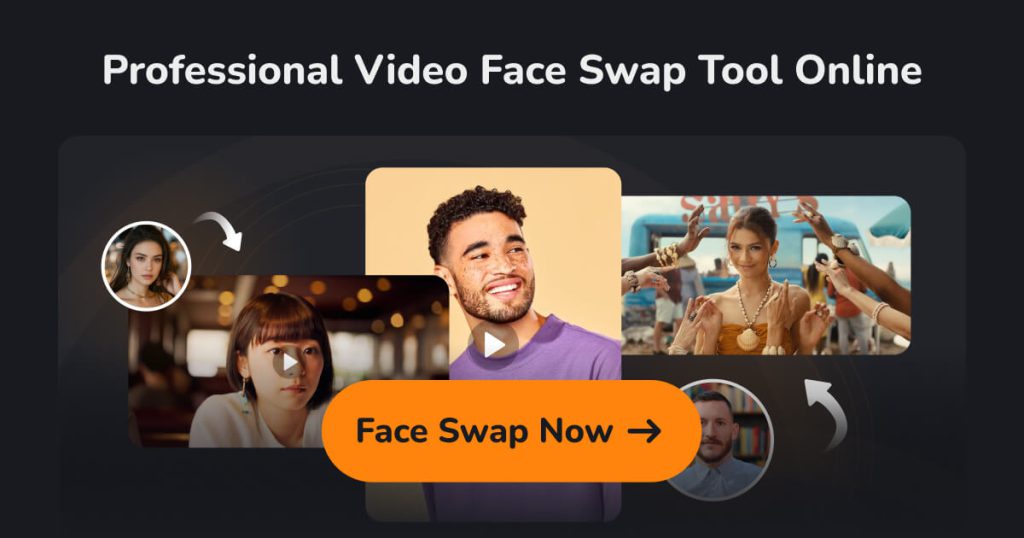
BestFaceSwap is a browser-based AI tool for replacing faces in videos, photos and GIFs. You upload the original clip or image, add the face you want to use, and the service generates the swapped result without any software installation or editing skills.
The site positions it for social media creators, filmmakers and people who want fun edits of family, wedding or party photos. The company behind the product is not named on the homepage, and the site's sharing metadata points to a related bestfaceswap.net domain.
Key Features of BestFaceSwap
Video face swap
Swap a face throughout a video clip for short films, skits or social content. Uploads can be up to 30 minutes long and 1 GB in size.
Photo and GIF face swap
Replace faces or whole heads in still images (JPG, PNG, WebP or BMP up to 50 MB) and in GIFs up to 15 seconds and 50 MB.
Multiple face swap
The homepage lists swapping several faces at once in group photos and videos as a premium feature, although the upload page still describes multi-person video swaps as coming soon, so availability may depend on the format.
Face detection and 3D reconstruction
BestFaceSwap says it maps 106 facial landmarks and uses 3D face reconstruction with depth maps to handle angles and difficult lighting more convincingly.
1080p output
Results are rendered at up to 1080p, and the site states that 4K output is planned but not yet available.
Three-step workflow
Upload the source, upload the target face and press the swap button. A demo is available to preview the process before uploading your own files.
Responsible Use
Face-swap tools can be misused for impersonation, harassment or misleading content. Only use BestFaceSwap with your own face or with clear consent from everyone who appears in the material, label edited media where it could be mistaken for real footage, and never create content intended to deceive, defame or sexualise real people.
BestFaceSwap Pricing
BestFaceSwap does not publish a public pricing page. The homepage advertises 50% off premium features, which include video, photo and multi-face swaps, but plan names and prices are only shown inside the product after you start a swap or sign up. Check the current offer on the site before paying.
Prices checked on October 27, 2026; check the official pricing page for current plans.
Who Should Use BestFaceSwap?
- Content creators making comedic or meme-style videos with their own face.
- Filmmakers and video hobbyists testing casting ideas or stand-in shots with consent.
- Families and friends editing group photos for fun, with everyone's permission.
- Marketers creating playful personalised clips featuring willing participants.
Is BestFaceSwap Worth It?
BestFaceSwap covers the main face-swap formats, video, photos and GIFs, in a simple web interface with generous upload limits, and the 30-minute video cap is higher than many quick-edit apps. For casual creators who want convincing swaps without learning video software, it is easy to try with the demo.
The main drawback is transparency. Without a public pricing page, you cannot compare costs before uploading, and the advertised discount has no stated end date or base price. Output currently tops out at 1080p, and multi-person video support appears to still be rolling out. Ownership details are also limited on the site. If you decide to use it, read the terms and privacy policy, keep your uploads to material you have rights to, and follow the consent guidance above. You can try it on the official BestFaceSwap website.