Canva AI (Magic Studio)
Canva’s AI design and writing tools inside its visual editor, combining generation, image editing and brand-aware content workflows.
What is Canva AI?
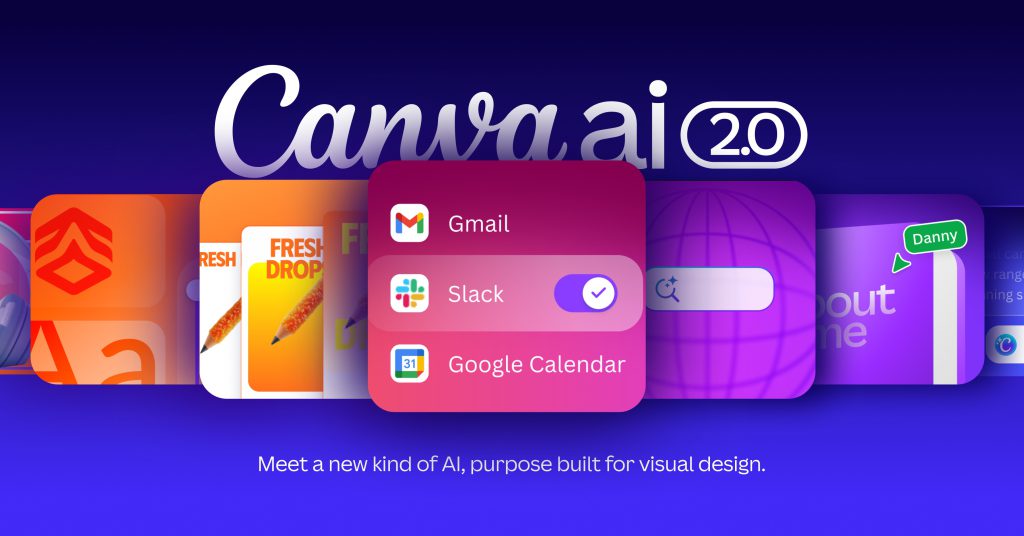
Canva AI brings generative design and writing tools into Canva’s visual creation environment. Many users know the earlier Magic Studio branding and individual Magic tools. The current official overview uses Canva AI and describes a broader conversational direction, while also distinguishing tools available now from capabilities still marked as coming soon. This profile focuses on the practical design workflow rather than assuming every announced feature is already available to every account.
The platform combines AI-assisted creation with an editable design canvas. That matters because a generated image or first layout is rarely the final asset a team needs. Someone must still fit the copy, check contrast, apply the correct logo and produce a format appropriate to the channel. Canva’s value proposition is the ability to continue that work in the same environment instead of moving a finished-looking but inflexible image between unrelated tools.
Practical workflow: create a coherent campaign set
Start with a short campaign brief containing the audience, offer, factual claims, required call to action and distribution channels. Add the approved brand assets and identify material that cannot be changed. For example, an event campaign may need the exact date, venue and registration URL on every asset. Keep those facts in a separate checklist so they survive revisions to the design and copy.
Use AI assistance to explore a few distinct directions, then choose one based on the campaign objective. Ask whether a small mobile preview still communicates the main message. Edit the chosen design manually where necessary: shorten the headline, adjust spacing and check the hierarchy. A generated composition may be attractive while making the action difficult to find. Review the result at the actual dimensions at which people will see it.
Adapt the approved design into the required formats and inspect each version individually. Resizing can place text over a face or crop an essential label. Check the spelling of product names, dates and URLs, and verify that every visual asset is permitted for the intended use. Export a proof set for approval before scheduling or publishing. This creates a repeatable campaign process without relying on AI to remember every brand and factual constraint.
Who should consider Canva AI?
Canva AI can fit small-business marketers, educators, social media teams and creators who need a steady supply of visual communication. It is particularly useful when the same idea must become a presentation, social post and printable handout. Professional designers may use it for exploration or production support while retaining specialist tools for work that needs more detailed control.
Evaluate the product with an actual campaign rather than an isolated image prompt. Measure the effort needed to reach an approved asset, whether teammates can edit it safely and whether the exported files meet channel requirements. Include an accessibility check and a rights review in that evaluation. Fast generation is only useful when the final material can be published confidently.
Limitations, rights and privacy
Generated copy can contain invented claims, and generated visuals may include awkward details or resemble existing work. Canva’s AI terms place responsibility on users to hold the necessary rights to inputs and assess outputs. Library assets also have their own licensing conditions; incorporating a licensed photo does not make the photo itself your exclusive property. Avoid presenting an AI-generated visual as documentary evidence of a real event.
Canva uses technology partners for some AI capabilities. Review the privacy controls and applicable terms before uploading confidential brand plans, personal images or client material. Organization administrators should check which AI tools and sharing options are enabled. When a marketing page labels a capability as coming soon, verify its actual availability before promising a client that it is part of a production workflow.
Pricing and alternatives
Canva offers Free, Pro, Business and Enterprise plans. AI access and shared allowances vary across tools and tiers, with some paid additions available. Compare the specific features you use rather than treating all AI actions as equivalent. For generative creative work in Adobe’s ecosystem, compare Adobe Firefly; for image-focused visual exploration, examine Midjourney.
Frequently asked questions
Is Magic Studio still a useful search term?
Yes. It refers to Canva’s earlier AI toolkit branding, while the current product overview presents Canva AI and its continuing Magic features.
Are all Canva AI tools free?
No. Free access exists, but features, allowances and advanced options depend on the plan and tool.
Can I publish an AI design commercially?
Check the applicable AI and content-license terms, inspect the output and ensure you have permission for the inputs. AI generation does not automatically clear every rights issue.
Primary sources and editorial verification
Product information checked on 16 October 2026. This profile is based on official documentation, with an original suggested workflow; it does not claim a hands-on benchmark.