Cartoonize
Cartoonize is a web-based photo editor with AI cartoon, sketch and painting effects, AI background removal and a large stock library, usable free without sign-up or with a low-cost Pro plan.
What is Cartoonize?
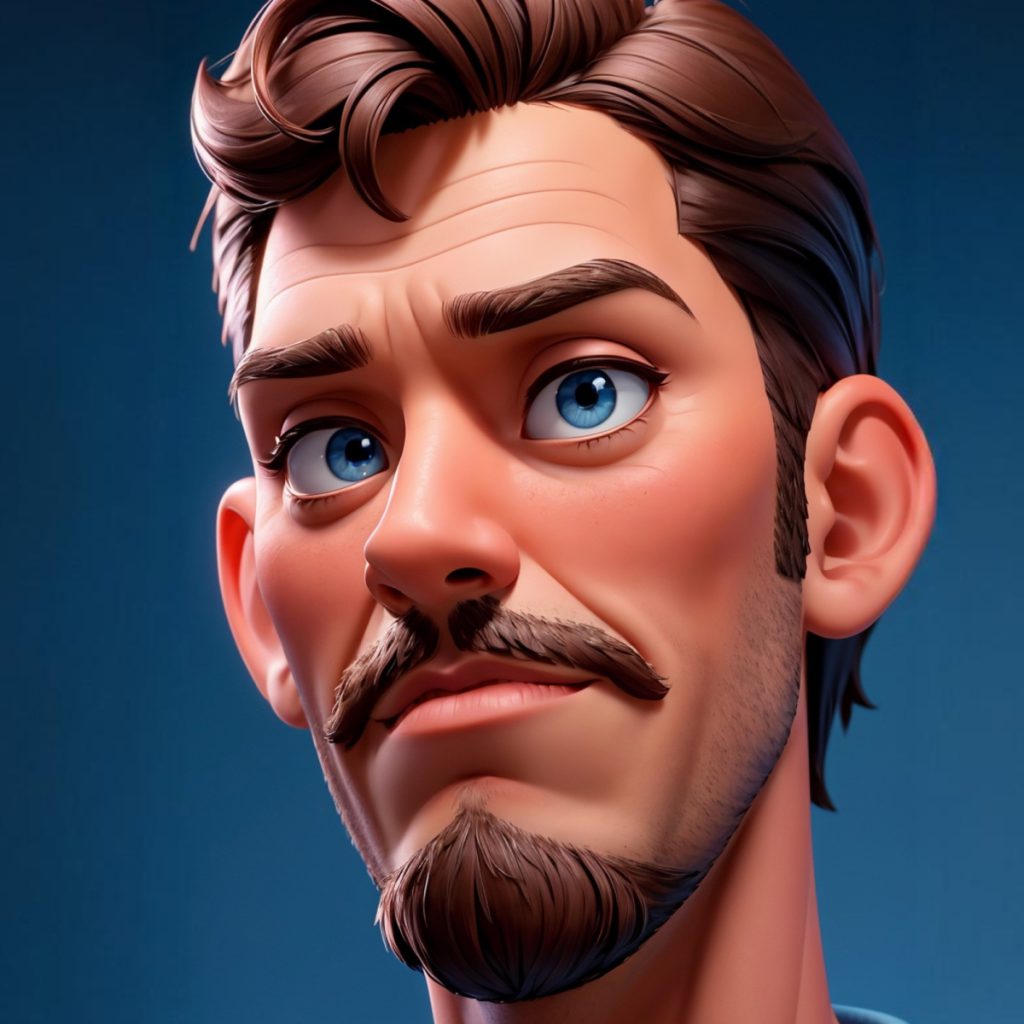
Cartoonize is an online photo editor built around one popular trick: converting an ordinary photo into a cartoon, sketch or painting with a single click. Its AI-powered effects handle the stylisation, and the rest of the editor provides the everyday tools you need to crop, adjust and decorate the result. It runs in the browser, so there is nothing to install, and a mobile app is also offered for iOS and Android.
The product targets casual users and hobbyists who want fun, artistic images without learning complex software, as well as social media users and small businesses who need quick graphics.
Key Features of Cartoonize
AI Cartoon, Sketch and Painting Effects
The cartoonizer, sketcher, painting and digital-art effects transform a photo in one step, and each effect can be adjusted so you can control how strong the stylisation looks.
AI Background Removal
A one-click background remover cuts out subjects so you can place them on new backgrounds or combine them with other images.
Full Photo Editing Toolkit
Beyond effects, you get cropping and resizing with social media presets, exposure and colour controls, sharpening and blur, colour replacement, freehand drawing and a layers panel for arranging several elements.
Text, Masks, Frames and Overlays
You can add styled text, fill letters with images, apply artistic masks and frames, and layer effects such as rain, snow, bokeh or light leaks.
Stock Photos and Graphics
The editor connects to a library of around 4 million stock photos and more than 50,000 vector graphics and icons for use in your designs.
Export and Offline Mode
Projects export as JPG, PNG or PDF at up to 400 DPI for print. A progressive web app allows editing offline, and auto-save can store progress every few minutes.
Cartoonize Pricing
Cartoonize has a free Basic account that needs no registration and a single Pro plan billed monthly or yearly.
Prices checked on 2026-10-27; check the official pricing page for current plans.
The FAQ states that monthly plans are non-refundable and that annual subscribers can only get a refund if they switch to monthly billing within the first 30 days.
Who Should Use Cartoonize?
- People who want cartoon or sketch versions of selfies, family photos or pets.
- Social media users creating profile pictures, memes and eye-catching posts.
- Small businesses and bloggers needing simple graphics with stock assets.
- Hobbyists preparing artistic prints without professional software.
- Teachers and students making illustrated material for presentations, posters or class projects without needing drawing skills or a design background.
Is Cartoonize Worth It?
Cartoonize is an easy, low-cost way to get AI-styled cartoon and sketch images, and the fact that the Basic version works without an account makes it simple to try. The Pro plan is inexpensive compared with full design suites and unlocks the complete effect and graphics catalogue.
It is not a replacement for professional editing software, and the strict refund policy and account deletion on cancellation are worth noting before you subscribe. When editing photos of other people, use images you have permission to work with. For fun, quick artistic edits, Cartoonize is a reasonable pick; try the free editor at cartoonize.net first.