ClickUp
ClickUp combines tasks, docs, chat, whiteboards and dashboards with Brain² AI and agents that use workspace context, for teams that want projects and AI in one place.
What is ClickUp?
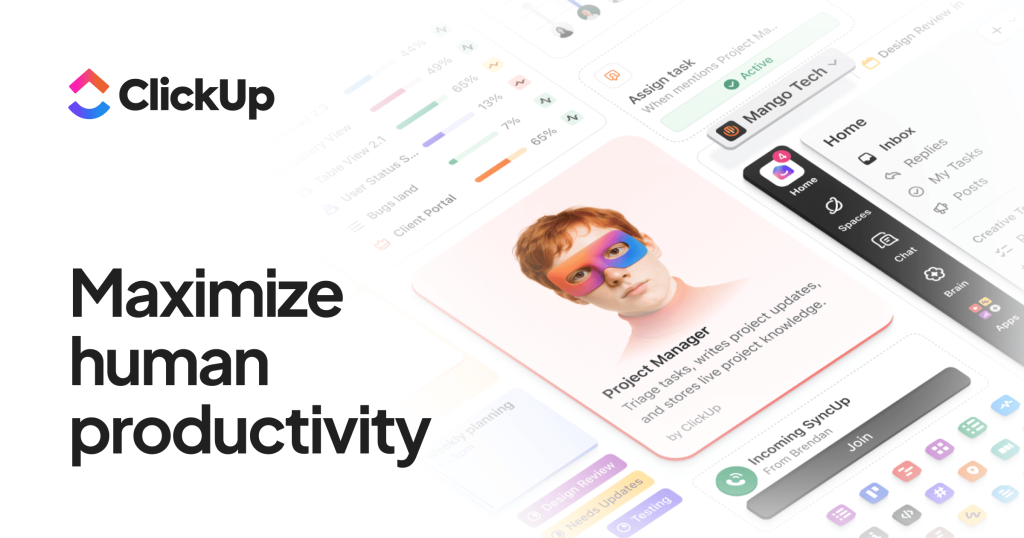
ClickUp is a work management platform that now presents itself as an AI workspace: tasks, projects, docs, chat, whiteboards and dashboards live in one app, and an AI layer called Brain² works across all of them. Because the AI can see your tasks, documents and conversations, it can answer questions about ongoing work, draft content and run agents that take action inside the workspace. ClickUp is used by teams of every size, from small agencies to large enterprises, that want to replace several separate tools with one.
Key Features of ClickUp
Brain² AI Assistant
Brain² draws on workspace context and lets users pick from several frontier models, including GPT, Claude and Gemini, under one subscription. It also keeps memory of team preferences such as tone and reporting habits.
Super Agents and Autopilot Agents
Teams can build their own agents or use ClickUp Certified Agents to handle recurring work like triaging tasks, writing updates or moving items between stages, with usage drawn from AI credits.
AI Notetaker and Deep Search
The notetaker records and summarises meetings, while Deep Search looks across the workspace, connected apps and the web to answer complex questions.
Projects, Views and Sprints
Work can be shown as lists, boards, Gantt charts, calendars, timelines and workload views, with sprints, goals, time tracking and custom fields for structured teams.
Docs, Chat and Whiteboards
Collaborative documents, team chat and whiteboards sit beside tasks, so discussions and specs stay linked to the work they describe.
Automations and Integrations
Rule-based automations, webhooks and native integrations with tools such as Google Drive, Dropbox, Salesforce, Zapier and Make connect ClickUp to the rest of a company's stack, and MCP connections are listed on the top tier.
ClickUp Pricing
ClickUp has a free plan and per-user paid plans, with savings for yearly billing. Additional AI Super Credits cost $10 per 10,000 credits, and the FAQ describes a full refund within 30 days. The page also still shows an older lineup (Unlimited and Business cards plus separate Brain AI and Everything AI add-ons), so confirm which plan applies to your workspace at checkout.
Prices checked on October 27, 2026; check the official pricing page for current plans.
ClickUp also lists discount programmes for nonprofits, students, educators and startups.
Who Should Use ClickUp?
ClickUp suits teams that want projects, documentation, chat and AI in one place rather than stitched together from separate apps. Engineering and product teams can run sprints and roadmaps; marketing and agency teams can manage campaigns, client work and approvals; operations teams can use dashboards, automations and forms for intake. The AI layer is most valuable when a team already keeps most of its work inside ClickUp, because that is the context Brain² relies on.
Is ClickUp Worth It?
For teams ready to consolidate tools, ClickUp offers a very broad feature set with a usable free plan and AI that is built into the workspace rather than bolted on. Model choice, workspace-aware answers and agents that act on tasks are its main AI advantages.
The downsides are complexity and cost control. The number of views, settings and plan limits can overwhelm small teams, many features are trial-limited on lower tiers, and AI usage is metered by credits, so heavy agent use can add to the bill. Start on the free plan or a single team, test Brain² on real projects, and watch credit consumption before rolling it out across the company.