Flot AI
Flot AI is a desktop assistant that adds AI writing, summarising, translation and a searchable personal memory to any app or website you highlight text in, for professionals and students.
What is Flot AI?
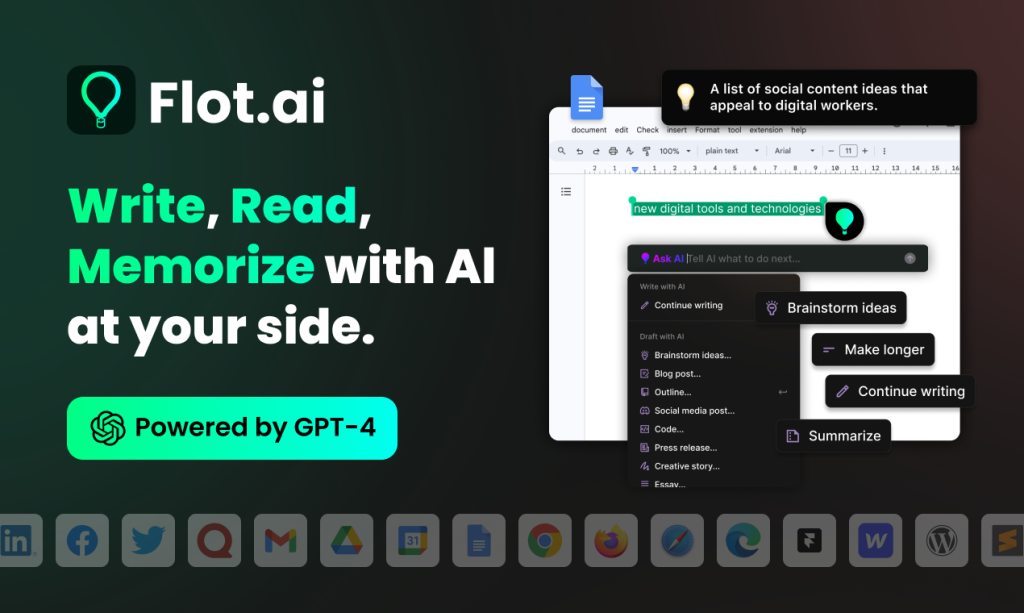
Flot AI is a desktop AI assistant that works across the apps and websites you already use. Instead of copying text into a separate chatbot, you highlight text or press a shortcut and Flot offers writing help, summaries, translations and replies in place. It also keeps an "AI memory", a personal knowledge base of notes, snippets and documents you can search and chat with later. The product is made by Cubo World Inc. and is available from flot.ai.
It suits professionals, students and writers who switch between email, documents, chat tools and browsers all day and want AI help without changing windows.
Key Features of Flot AI
Works in any app or website
Flot runs at system level, so it works in tools such as Gmail, Word, Google Docs, Slack, Notion, Outlook and browser pages. Highlighting text brings up the menu, and a shortcut summons the assistant anywhere.
Writing and editing tools
You can improve writing, fix grammar and spelling, shorten or lengthen text, change tone, simplify language and paraphrase. Drafting tools create outlines, blog posts, social posts, press releases and essays from a prompt.
Reading help
Selected text can be summarised, explained, translated, turned into key takeaways or action items, or answered with a quick reply, which is handy for long emails and articles.
AI Memory
One click saves notes, snippets, links, screenshots or documents to your memory. Flot retrieves them on request, and paid plans add AI-enhanced memory search and chatting with your saved knowledge.
Multiple AI models
Paid plans list access to ChatGPT, Claude and Gemini models, while the free plan does not include GPT-4.
200+ languages
Flot supports questions and responses in more than 200 languages, and translation is built into the selection menu.
Flot AI Pricing
Flot uses a credit system. The pricing page offers a free plan, a one-time Lifetime deal and two subscriptions, with a toggle between monthly and annual billing (annual is advertised as saving 25%). The prices below are those displayed on the page.
Prices checked on October 27, 2026; check the official pricing page for current plans.
Who Should Use Flot AI?
- Professionals who write many emails and documents across different apps.
- Non-native English writers who want quick grammar fixes and translations.
- Students and researchers saving notes and snippets for later recall.
- People who want several AI models without separate chatbot subscriptions.
Is Flot AI Worth It?
Flot AI's main appeal is convenience: AI writing and reading help appears wherever you are typing, and the memory feature turns scattered notes into something you can search and question. The Lifetime option is unusual and may appeal to light users who prefer not to subscribe, while the Unlimited plan removes credit counting for heavy users.
The free plan is very limited at 3 credits per day, and credit-based tiers can be hard to translate into real usage. Because Flot reads the text you highlight across apps, consider what sensitive information you send to it. Some site content, including the copyright notice, looks dated, so it is sensible to confirm current features and models during the free trial. For people who want a lightweight, always-available writing assistant on Windows or Mac, Flot is worth testing.