Formulas HQ
Formulas HQ turns plain-English requests into Excel and Google Sheets formulas, VBA, Apps Script, Python and regex, with explanations, plus CSV analysis for analysts and admins.
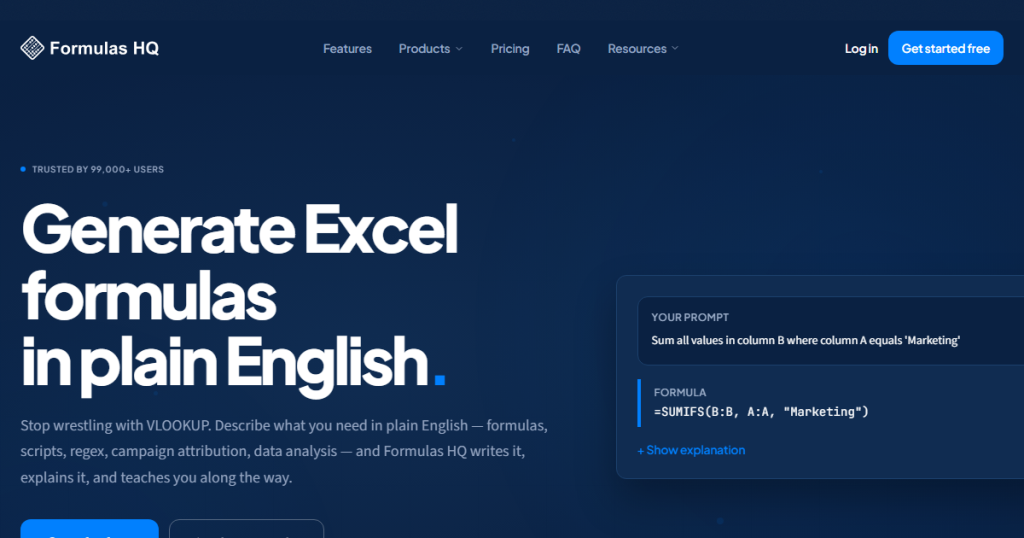
What is Formulas HQ?
Formulas HQ (styled FormulasHQ) is a web toolkit that turns plain-English requests into spreadsheet formulas, scripts and data analysis. You describe the calculation you need, and it returns a formula with a step-by-step explanation, examples and warnings that you can paste into Excel or Google Sheets.
Over time it has grown beyond formulas into VBA and Apps Script, Python, regular expressions, Salesforce formulas and file-based analysis. It is aimed at accountants, analysts, Salesforce admins and business owners who use spreadsheets daily but do not want to memorise syntax. The interface is available in English, Spanish, French, Turkish and Hindi.
Key Features of Formulas HQ
Formula generator and explainer
Generate new formulas or paste an existing one to have it explained. Results come in a structured format with a summary, steps and a status badge that tells you whether the output is ready to use or needs review.
Script and code generators
Separate tools write VBA macros, Google Apps Script and Python code (with options for libraries such as pandas and scikit-learn), and can also explain or debug code you already have.
Regex and Salesforce formulas
Describe a text pattern to get a working regular expression with a breakdown, or create Salesforce formula fields and validation rules.
Data Wizard
Upload CSV files, apply filters, joins and pivots, then ask questions in plain English. The tool generates SQL and runs it in the browser using DuckDB, so the data stays on your machine.
AI chat and Campaign Intel
A chat mode accepts CSV or Excel uploads for analysis with charts and tables. Campaign Intel reads Salesforce report exports and produces campaign attribution analysis, also processed in the browser.
Website Content Analyzer
On the top plan, you can crawl a site's sitemap and run AI scoring, theme extraction and summaries across many pages, then export the results.
Formulas HQ Pricing
Formulas HQ has a free plan and two paid tiers. The prices below are the yearly rates shown on the pricing section, which the site says save 33% compared with monthly billing. No credit card is needed to start, and non-profit and education discounts are mentioned.
Prices checked on October 27, 2026; check the official pricing page for current plans.
Who Should Use Formulas HQ?
- Spreadsheet users who know what they want to calculate but not the exact syntax.
- Analysts who want quick VBA, Apps Script or Python snippets for repetitive tasks.
- Salesforce admins who need formula fields or campaign attribution reports.
- Learners who want each formula explained step by step.
- Marketers auditing website content at scale (Analyzer plan).
Is Formulas HQ Worth It?
For anyone who writes formulas regularly, the Pro plan is inexpensive on yearly billing and removes the generation cap across every tool. The explanations are a real plus, since they help you learn rather than just copy output, and the in-browser processing for Data Wizard and Campaign Intel is reassuring for sensitive files.
There are limits to keep in mind. Five free generations per month is only enough for a trial, the low headline price requires paying a year upfront, and like any AI generator it can produce formulas that need checking against your actual data. General chatbots can handle many simple formula questions too, so the value lies in the structured output, specialist tools and history. Start on the free plan and upgrade if you hit the cap often.