GitHub Copilot
GitHub’s AI coding assistant and agent platform for editor suggestions, chat, code review and repository-based development workflows.
What is GitHub Copilot?
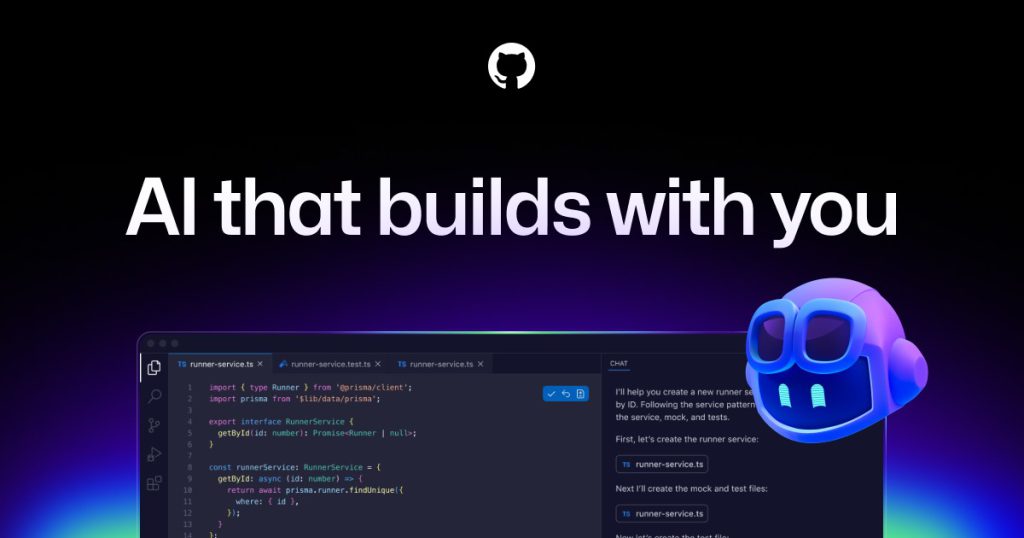
GitHub Copilot is an AI development product that spans code suggestions, conversational assistance and agent workflows. Developers can use supported editor experiences while organizations can connect assistance to repository and review processes. The official product page also describes cloud agents and code review. These surfaces solve different problems: accepting a small completion requires a different level of scrutiny from delegating a task that changes several files.
GitHub’s responsible-use documentation explicitly describes limitations, including inaccurate code and security risks. That is an important part of the product evaluation. Copilot can reduce the effort of expressing an implementation, but someone still needs to establish what the implementation should do. The strongest workflows make the intended behavior and the reviewer’s responsibility visible from the beginning.
Practical workflow: implement a repository issue
Write an issue with the user problem, acceptance criteria and examples of expected behavior. Include relevant constraints such as supported browsers, accessibility requirements or an API contract. Ask the coding assistant to identify the existing pattern in the repository before introducing a new abstraction. If an agent works in a separate branch, keep the task small enough that a reviewer can understand the entire result.
Review the proposed code in stages. First check whether it solves the right problem. Then inspect edge cases, error handling, dependencies and interactions with existing components. For a form, test missing data, malformed input and a server failure. For a backend endpoint, verify permissions as well as successful output. Generated tests are useful only when they challenge the behavior independently; a test that copies the same mistaken assumption provides little protection.
Use the pull request to preserve the reasoning that matters to future maintainers. Describe the concrete trigger, the resulting behavior and the checks performed. Do not let a generated description claim validation that did not occur. Resolve review comments before merging, and retain your normal release process. Copilot should fit into those controls rather than becoming an exception to them.
Best-fit audience and adoption
Copilot is relevant to individual developers and teams already using GitHub, especially when they want assistance integrated with an established editor and repository workflow. It can help with repetitive implementation, unfamiliar code and drafting explanations. The benefit will vary by language, project structure and developer experience. Avoid applying one broad productivity percentage to every engineering role.
A practical adoption trial compares a small set of tasks with your current process. Record the amount of accepted work, the corrections required and the time reviewers spend understanding it. Include maintenance work as well as greenfield examples. A tool that produces an impressive demo may still perform differently when preserving compatibility in an older application.
Limitations, privacy and licensing
Copilot can suggest code that looks valid but is incorrect, insecure or inconsistent with the project. Inspect dependencies and security-sensitive logic carefully. GitHub documents public-code matching controls, which can block or annotate matching suggestions depending on settings. Review any surfaced references and license information rather than assuming that generated output removes all provenance questions.
Organization administrators should examine model access, policies, budgets and the current data-handling terms. Individual and business offerings can have different controls. Keep credentials outside repository content and avoid giving an agent unnecessary access to production services. The presence of automated review does not eliminate the need for human ownership of the final change.
Pricing and alternatives
The current plan comparison includes free access and paid tiers for individuals and organizations. Features, model access and usage allowances differ. Match the plan to the development surface you need and examine any metered or credit-based elements before rolling it out widely. Compare Cursor for an AI-centered coding environment or v0 for conversational web application generation.
Frequently asked questions
Is GitHub Copilot the same as Microsoft Copilot?
No. GitHub Copilot focuses on software development, while Microsoft Copilot covers broader assistant and workplace experiences.
Can I use it without paying?
GitHub offers a free plan with defined allowances. Check the current comparison for the capabilities and limits included.
Should I accept every completion?
No. Read suggestions as code you are responsible for maintaining. Verify correctness, security, compatibility and any relevant source or license information.
Primary sources and editorial verification
Product information checked on 16 October 2026. This profile is based on official documentation, with an original suggested workflow; it does not claim a hands-on benchmark.