Guidde
Guidde records your on-screen workflows and turns them into step-by-step videos with AI scripts, voiceover and captions, helping teams build training, support and SOP content.
What is Guidde?
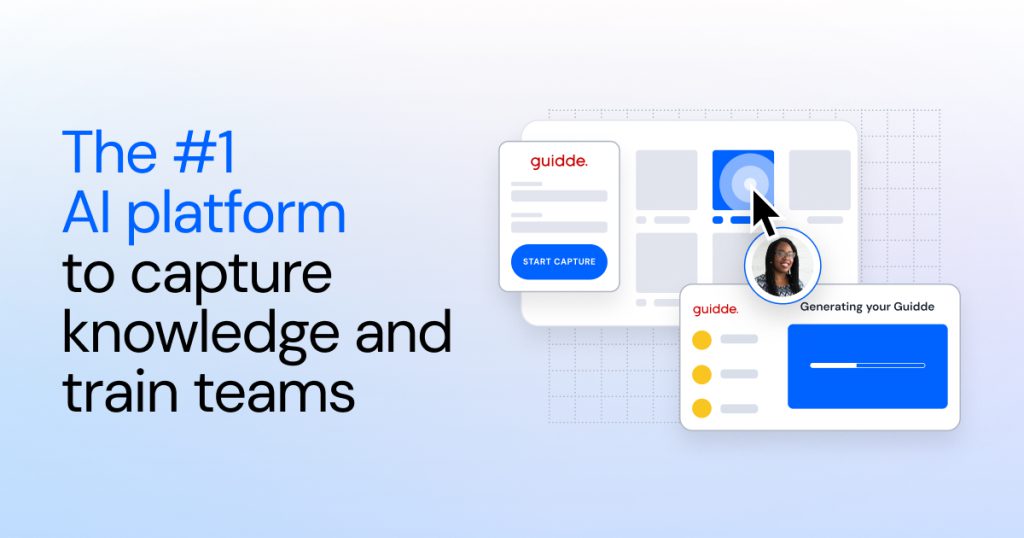
Guidde is an AI platform for creating video documentation. You record a workflow in your browser, desktop or mobile app, and Guidde turns the capture into a step-by-step how-to video with a script, AI voiceover, captions and highlights, plus a matching written guide.
It is aimed at companies that need to train employees, support customers and document processes, and it now positions itself as a digital adoption platform that delivers those guides inside the business apps people already use.
Key Features of Guidde
Magic Capture
A browser extension, desktop app or mobile capture records your clicks as you work. When you stop, Guidde splits the recording into steps and builds a draft video automatically.
AI scripts and voiceover
Guidde writes a narrative script for each step and reads it in an AI voice, with hundreds of voices and more than 50 languages depending on the plan. Magic Mic lets you talk naturally during capture and cleans that speech into the final narration.
Editor and branding
A drag-and-drop editor lets you add, remove or reorder steps, insert shapes and images, and apply brand kits with your colours, fonts, logo, intros and outros.
Document and slide conversion
Business and Enterprise users can convert PDFs, slide decks and documents into videos, and any capture can become a click-through interactive demo.
Broadcast and Guidde Ask
Broadcast places relevant guides inside apps such as Salesforce, ServiceNow or SAP, and Guidde Ask answers questions in plain language using your library of guides, with sources cited.
AI assistant connections
Guides can be exported as an Agent Skill for Claude, and an MCP connector brings your documentation into AI assistants your team already uses.
Guidde Pricing
Guidde charges per creator, and viewers can be added at no extra cost. Annual billing saves about a third compared with monthly, and new accounts get a 7-day Business trial without a credit card.
Prices checked on October 27, 2026; check the official pricing page for current plans.
Premium voices, voice cloning, a virtual avatar and automatic translation are offered as add-ons on some plans.
Who Should Use Guidde?
- L&D teams building onboarding and software training.
- Customer support teams creating help-centre tutorials.
- Operations teams documenting SOPs across locations.
- Product and sales teams recording demos for new features.
- IT teams rolling out new tools, including AI platforms.
Is Guidde Worth It?
Guidde removes most of the editing work from screen-based training videos, and the combination of auto-generated steps, AI narration and branded exports can turn hours of documentation into minutes. The free plan is useful for trying it out, but the 25-video limit and watermark mean regular users will need Pro, and features like desktop capture and document conversion require Business.
Per-creator pricing adds up for larger teams, and the most advanced options such as in-app Broadcast and translation sit in Enterprise or paid add-ons. For teams that produce a steady stream of how-to content, it is a strong fit. Visit the official Guidde website to start a trial.