HitPaw
HitPaw makes AI software that upscales, restores and edits photos and videos, plus voice changing and video translation tools, for creators, photographers and online sellers.
What is HitPaw?
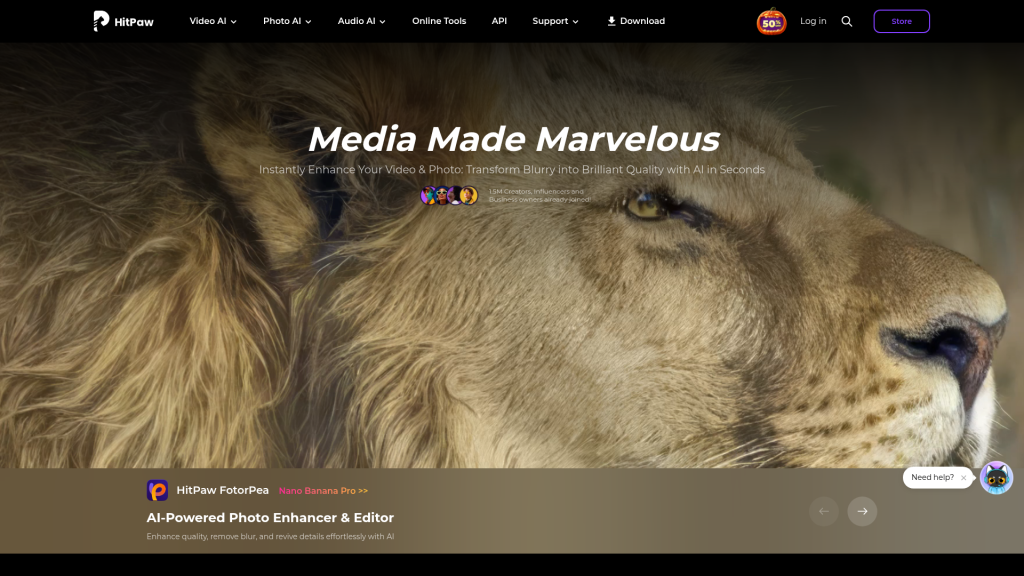
HitPaw is a software brand offering a family of AI-powered tools for improving photos, videos and audio. Its best-known products are HitPaw FotorPea, an AI photo enhancer and editor, and HitPaw VikPea, an AI video enhancer that upscales footage to higher resolutions. The lineup also includes a real-time voice changer, a video converter, an AI video editor and a video translation service.
The tools target photographers, video editors, content creators, online sellers and everyday users who want to rescue blurry, old or low-resolution media without manual retouching.
Key Features of HitPaw
HitPaw FotorPea
FotorPea sharpens and upscales photos to 4K or 8K, colorizes black-and-white pictures, unblurs faces and removes unwanted objects. Recent versions add AI image generation, background generation, portrait tools and a chat-style AI Canvas for edits.
HitPaw VikPea
VikPea uses more than ten AI enhancement models to upscale video to 8K, reduce noise and grain, repair damaged clips, colorize old footage, stabilize shaky video and convert SDR to HDR. It can also generate clips with third-party video models.
Batch processing
Both the photo and video tools support batch jobs, which is useful for sellers enhancing large product catalogues or editors processing many clips.
Voice and audio tools
VoicePea is a real-time voice changer with over 200 character voices, and a separate AI audio enhancer removes background noise and hiss.
Conversion, editing and translation
HitPaw Univd converts and compresses video files, Edimakor offers AI-assisted video editing, and BlipCut translates videos with subtitles and dubbing in more than 130 languages.
HitPaw Pricing
Each HitPaw product is sold separately, with monthly, yearly and perpetual licences for Windows and Mac, plus team plans. A Halloween promotion was running when checked, so the table shows the regular list price and the sale price for the Windows versions of the two main products.
Free trials are available, purchases carry a 30-day money-back guarantee, and Mac versions are priced separately. Team plans for 5, 10 or 100 PCs are billed annually.
Prices checked on October 27, 2026; check the official pricing page for current plans.
Who Should Use HitPaw?
- Families and hobbyists restoring old photos and home videos.
- E-commerce sellers who need sharper product images in bulk.
- Video creators upscaling low-resolution or AI-generated footage.
- Streamers and gamers who want real-time voice effects.
Is HitPaw Worth It?
HitPaw is worth considering if you need dedicated desktop software for photo or video enhancement rather than a browser-only generator. The products are focused, support batch work and come with perpetual licence options for people who dislike subscriptions. The drawbacks are cost and complexity: each tool is bought separately, AI extras use credits, and pricing changes often with promotions. Start with the free trial of the specific product you need, test it on your own files, and buy only that tool rather than the whole lineup.