HoldSpeak
HoldSpeak is a native macOS dictation app that transcribes speech on-device in 100+ languages and types it into any app with a hold-to-talk hotkey, sold as a one-time license.
What is HoldSpeak?
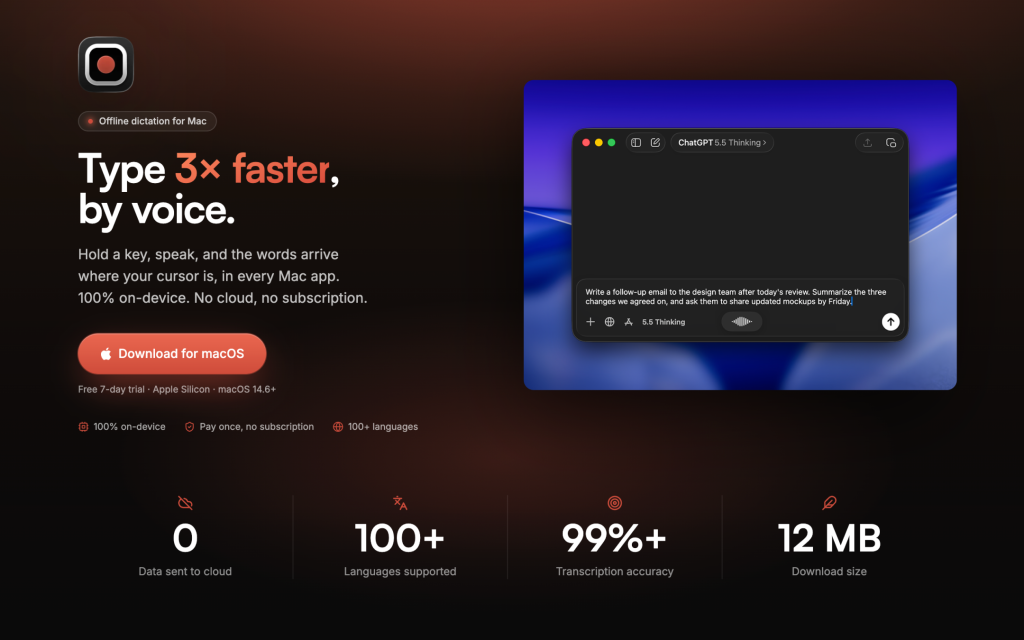
HoldSpeak is a dictation app for macOS that turns speech into text using an AI speech-recognition model running entirely on your Mac. You hold a hotkey, talk, and the transcribed words are typed wherever your cursor is, whether that is an email, a Slack message, a code editor or a chat with an AI assistant.
Its main selling point is privacy: audio is processed locally, nothing is sent to a cloud service, and you do not need an account. It is aimed at writers, developers, knowledge workers and anyone who would rather talk than type, particularly people who handle confidential material.
Key Features of HoldSpeak
Push-to-talk in any app
A global hotkey works across every Mac application. Press and hold, speak, release, and the text appears at the cursor, with punctuation and sentence breaks handled automatically.
On-device processing
Recording and transcription happen on the Mac itself, so dictation keeps working offline, for example on a plane, and no voice data leaves the machine.
100+ languages
The app supports more than 100 languages and the developer says you do not need to switch language settings manually when you change languages.
Personal dictionary
You can add names, product terms and jargon so they are spelled correctly every time, which is helpful for technical or industry vocabulary.
Lightweight native app
HoldSpeak lives in the menu bar, follows light or dark mode and is a small download built for Apple Silicon. You can choose your own hotkey and adjust how transcription behaves.
HoldSpeak Pricing
HoldSpeak is sold as a one-time purchase instead of a subscription, and there is a free 7-day trial. Each license includes one year of updates; after that you can keep the version you have or renew at a discount for newer releases. Prices are in USD and VAT may apply.
Prices checked on October 27, 2026; check the official pricing page for current plans.
Who Should Use HoldSpeak?
- Mac users who write a lot of email, messages or documents and want to type faster.
- Developers and power users who dictate long prompts to AI tools.
- Professionals handling sensitive information who cannot send audio to the cloud.
- People who work offline or while travelling.
- Multilingual users who switch between languages during the day.
Is HoldSpeak Worth It?
For a one-time $19, HoldSpeak is an easy tool to justify if you already dictate or have wanted to try it. The offline, account-free design is a genuine advantage over cloud dictation services, and the 7-day trial lets you check accuracy with your own voice and vocabulary before paying.
The limitations are clear, though. It runs only on Apple Silicon Macs with macOS 14.6 or later, so Windows, Intel Mac and phone users are out of luck. It focuses on dictation, and the site does not advertise the AI rewriting or formatting commands some subscription rivals offer. Updates beyond the first year require a renewal if you want them. If you want private, simple voice typing on a modern Mac, it is good value; if you need cross-platform sync or AI editing, look at alternatives.