Letterly
Letterly turns spoken words into polished text, from messages and emails to notes and meeting summaries, with dictation inside other apps and support for 90+ languages.
What is Letterly?
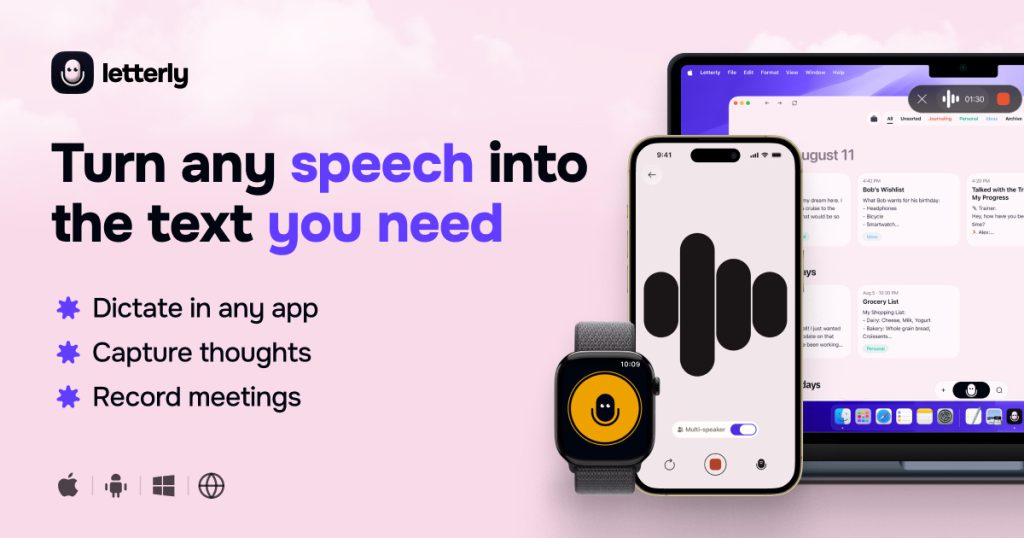
Letterly is an AI voice-to-text app that turns spoken words into clean, structured writing. You talk, and it produces a message, note, email, journal entry, social post or meeting recap, depending on the rewrite style you choose. It works on iPhone, Android, Mac, Windows and the web, with recordings synced between devices.
It is designed for people who find it easier to speak than to type: busy professionals, creators, students and anyone who captures ideas on the move.
Key Features of Letterly
Dictation inside other apps
Letterly can be used directly in Gmail, Slack, Notion and other text fields, so you speak where you would normally type and the polished text appears in place.
AI rewrite styles
Recordings can be rewritten as notes, emails, tweets, meeting summaries or any custom format you describe. A library of ready-made styles is included, and you can build your own.
Meeting and lecture recording
Longer conversations of up to 90 minutes become transcripts split by speaker, plus a summary or whatever output you request.
90+ languages
The language is detected automatically, you can switch languages mid-sentence, and any note can be translated into more than 90 languages.
Organisation and sharing
Notes can be searched, tagged and edited later, shared with one tap, or sent to other apps through Zapier and webhooks. Audio and video files can also be uploaded for transcription.
Handy extras
Offline recording, text replacements for things like your email address, widgets and shortcuts, an Apple Watch app and an MCP connection that lets assistants such as Claude, ChatGPT and Cursor search and manage your notes.
Letterly Pricing
Letterly is free to start on every platform. The website does not list paid plan prices, so the cost of upgrading is shown inside the app after you sign up. Compare that in-app price with the features you actually use, such as long meeting recordings or integrations, before subscribing.
Prices checked on October 27, 2026; check the official pricing page for current plans.
Who Should Use Letterly?
- Professionals who want to dictate emails and messages instead of typing them.
- Creators who capture ideas by voice and turn them into posts or articles.
- Students and teams who record lectures or meetings and need a summary.
- Multilingual users who switch languages while speaking.
- People who journal or keep personal notes on the go.
Is Letterly Worth It?
Letterly does one job well: it turns rambling speech into tidy, usable text, and it does so on nearly every device you are likely to own. The combination of in-app dictation, customisable rewrite styles, meeting transcripts and automatic language detection makes it more flexible than a basic dictation keyboard. The company also states that your recordings are never used to train AI.
The main drawbacks are practical. Paid pricing is not published on the website, so you have to install the app to compare it with alternatives. Meeting recordings are capped at 90 minutes, and AI rewrites can change your wording, so important messages should be read before sending. Because you can start for free, testing it with your own voice is the easiest way to decide.