LightPDF
LightPDF is an AI-powered PDF suite for editing, converting, signing and OCR, with AI chat, summaries, translation and data extraction across web, desktop and mobile apps.
What is LightPDF?
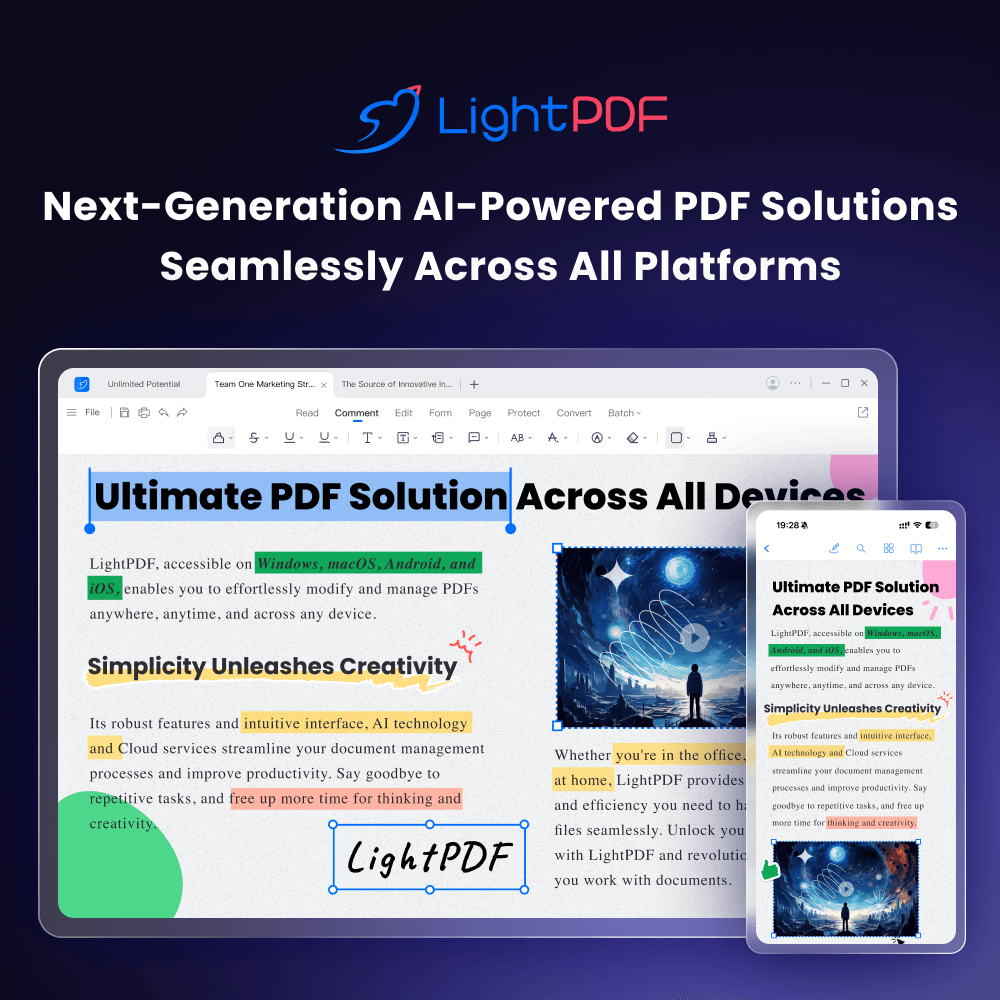
LightPDF is an all-in-one PDF platform that pairs standard document tools with a growing set of AI features. You can edit, convert, annotate, sign and organise files as in a classic PDF editor, and you can also chat with documents, summarise them, translate them and pull structured data out of them. It is designed for students, office workers and small businesses that handle PDFs daily and want a cheaper alternative to premium desktop editors.
The service is available on the official LightPDF website and in apps for Windows, Mac, iPhone, iPad and Android.
Key Features of LightPDF
Complete PDF toolkit
Core functions cover editing text and images, converting to and from Office formats, OCR, compression, merging, splitting, password protection and e-signatures, with batch processing on paid plans.
Chat with documents
ChatPDF lets you upload a file and ask follow-up questions, with answers that point back to the source passages. A similar tool works with YouTube videos.
Summaries and mind maps
LightPDF can condense a document into a summary, a mind map or a structured analysis, which is useful for reviewing long reports quickly.
Layout-preserving translation
Whole PDFs, images and scanned pages can be translated into more than 20 languages while keeping the original formatting.
Data extraction and generators
The AI can read invoices, receipts, purchase orders and bank statements and export the data to Excel. Generators create PDFs, slide decks and invoices from your input.
Clean-up tools
Separate tools remove watermarks, logos, text, stickers and handwriting from PDFs and images, and enhance scanned documents for readability.
LightPDF Pricing
LightPDF offers a free web plan and three paid options for individuals; team, business and education plans are listed separately. Paid plans unlock all platforms, unlimited file sizes and a monthly AI credit allowance, with credit costs varying by tool.
Prices checked on 2026-10-27; check the official pricing page for current plans.
LightPDF Coupon Code
Use the code E721E310 for 10% off LightPDF. Choose a plan on the pricing page, proceed to checkout and enter the code in the coupon box before you pay. Partner codes can be changed or withdrawn by the vendor, so check that the discount appears on the final total.
Who Should Use LightPDF?
- Students and researchers who need to digest and annotate long papers.
- Office teams converting, signing and sharing PDFs every day.
- Freelancers and small businesses processing invoices and receipts.
- Anyone translating documents who wants the layout preserved.
Larger organisations can ask for team, business or education plans with centralised billing, user management and volume pricing, which are quoted separately from the individual plans above.
Is LightPDF Worth It?
LightPDF is an affordable way to get both a capable PDF editor and practical AI tools in one place, and the lifetime option is unusual in this category. The free plan is fine for occasional web use, while the paid plans make sense once you need desktop apps, larger files or batch work. Keep an eye on credits: simple chats are cheap, but image-heavy tasks such as scanned translation or AI watermark removal use far more, and monthly credits do not carry over. Note also that premium features work on one device at a time. If your needs are mostly editing and conversion with some AI help, it is a sensible budget pick. The refund window also differs by plan (3 days for monthly, 7 days for annual and 30 days for lifetime purchases), so test the free version first if you are unsure.