Littlebird
Littlebird watches your active window, takes bot-free meeting notes and connects to your apps, building a private memory of your work that you can query, schedule briefs from and draft with.
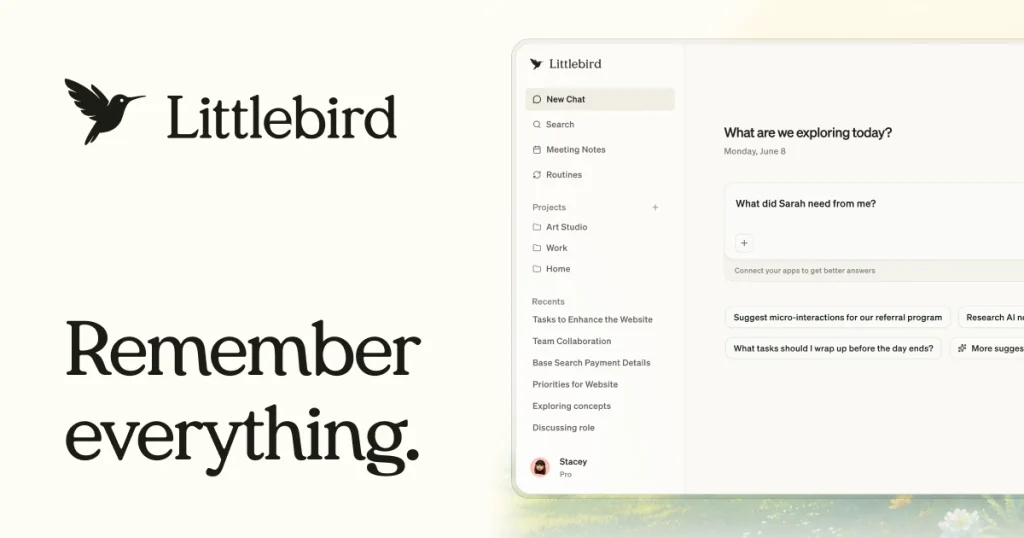
What is Littlebird?
Littlebird is a desktop AI assistant that builds a running memory of your work by paying attention to the active window on your screen, listening in on meetings and connecting to services such as email and calendar. Because it already knows what you have been reading, writing and discussing, you can ask it questions about past work without pasting in background information first.
It targets knowledge workers, founders, writers and researchers who juggle many apps and want one assistant that can recall details, prepare them for calls and draft follow-ups in their own voice. Apps are available for Mac and Windows, with chat access on the web, iPhone and Android.
Key Features of Littlebird
Screen-aware memory
Littlebird reads the context of whatever is in focus, so it can answer questions like what a client asked for last week without you setting up integrations first.
Bot-free meeting notes
It captures meetings without adding a visible bot to the call, then produces a summary, transcript and action items. Notes are supported in more than 30 languages.
Routines
Scheduled routines deliver things like a morning briefing or a weekly project update automatically. The free plan includes five routines and Plus raises that to 100.
Drafting in your voice
Littlebird can draft emails, documents and status updates based on what it has learned about your work and writing style.
Hover and integrations
A floating Hover panel brings the assistant onto any screen, and hundreds of integrations cover tools like Notion, Linear, ClickUp, Canva and Miro. A Littlebird MCP server lets other AI apps and code editors search your Littlebird memory.
Privacy controls
Password fields, card details and banking sites are excluded by default, you can block extra apps or sites, and the last hour, day or full history can be deleted in a couple of clicks. Littlebird states it is SOC 2 Type II compliant and does not sell user data.
Littlebird Pricing
Littlebird offers a free Basic tier and three paid individual plans, with discounts for annual billing (the site says annual billing saves $36 a year on Plus and $90 on Power). Chats, routines, meeting prep and MCP searches use credits, while meeting notes do not.
Prices checked on October 27, 2026; check the official pricing page for current plans.
The Plus trial requires a card but costs nothing if cancelled before day 14. Students can get Plus for $15 a month billed monthly, with the first two months free after verification. See the official Littlebird pricing page for the latest offers.
Who Should Use Littlebird?
- Professionals who spend the day switching between email, docs, chat and meetings.
- Founders and managers who want automatic meeting notes and call preparation.
- Writers and researchers who need to recall sources and ideas from past sessions.
- Developers who want their editor's AI to search their work context through MCP.
- Former users of screen-memory tools looking for an actively developed alternative.
Is Littlebird Worth It?
Littlebird's main strength is that it removes the setup cost of giving an AI context. The free plan is genuinely usable for testing, and the privacy defaults and deletion controls are more thoughtful than many assistants that observe your screen.
The flip side is that continuous screen observation will not suit everyone, and some workplaces may not allow it. The free tier caps meeting notes at 25 in total, heavier users will need to watch their credit balance, and the Pro tier is a significant step up in price. For people comfortable with the privacy model, Plus is the sensible starting point. Visit the official Littlebird website to download it.