Meshy
Meshy generates textured 3D models from images or text in about a minute, with rigging, animation and print-ready exports for game developers, designers and 3D printing fans.
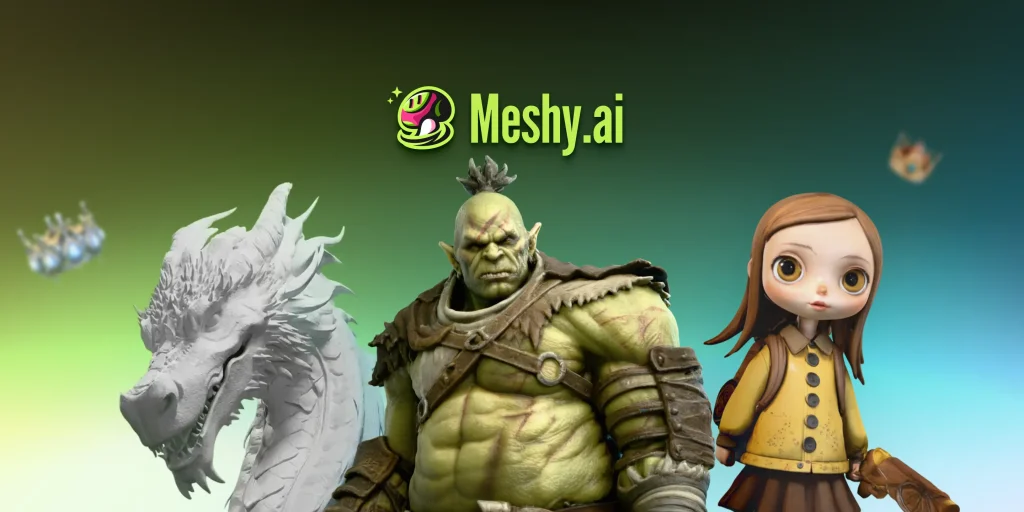
What is Meshy?
Meshy is an AI 3D model generator. You upload a photo, sketch or concept image, or type a description, and it produces a textured 3D model in roughly a minute that you can download, rig, animate or send to a 3D printer. It is used by indie game developers, 3D printing hobbyists, product and interior designers, educators and teams working on VR, AR and film previsualisation.
Beyond the web app, Meshy offers an API, plugins for common 3D tools and an MCP server so AI coding agents can generate assets directly.
Key Features of Meshy
Image to 3D and text to 3D
The core tool turns a single image, several views of an object, or a text prompt into a 3D mesh. The latest model generation, Meshy 7.1, focuses on staying close to the reference image.
AI texturing
Meshy can generate a full PBR texture set (albedo, normal, metallic and roughness) for a model, with an HD option for 4K detail, and paid plans add AI texture editing.
Rigging and animation
Humanoid and four-legged characters can be auto-rigged and given motions from a library of more than 600 presets such as walks, idles, jumps and attacks.
Print-ready output
Models are designed to be watertight and manifold, a printability check repairs problems on export, and Auto Split can break complex models into parts. Files can be sent straight to slicers like Bambu Studio, OrcaSlicer and Cura.
Game-ready workflows
A low-poly mode controls polygon count for real-time use, remeshing is available on paid plans, and exports include FBX, GLB, OBJ, USDZ, STL and 3MF for engines like Unity, Unreal and Godot.
API, plugins and AI agents
Paid plans unlock the API, bridges to Blender, Unity, Unreal, Godot, Maya, 3ds Max and Roblox, and an MCP server that works with clients such as Claude Code, Cursor and Codex.
Meshy Pricing
Meshy uses monthly credit plans for individuals and a seat-based Studio plan for teams, with yearly billing also offered. New users currently get 50% off the first month on paid plans, and students and educators can apply for an education discount. Extra credit packs can be bought on paid plans.
Prices checked on October 28, 2026; check the official pricing page for current plans.
Free-plan models carry a CC BY 4.0 licence, which allows commercial use only with attribution; paid plans make assets private and customer-owned.
Who Should Use Meshy?
- Indie game developers who need props, characters and environments to start playtesting.
- 3D printing hobbyists turning drawings or photos into printable figures and miniatures.
- Product and interior designers producing quick 3D concepts for review.
- Teachers and students exploring 3D modelling without advanced software skills.
- Developers building apps or agents that generate 3D assets through an API.
Is Meshy Worth It?
Meshy is one of the more complete AI 3D tools: generation, texturing, rigging, animation and print preparation sit in one place, and the export options and plugins fit real game and printing workflows. The free tier is enough to judge output quality, and the first-month discount lowers the cost of trying Pro.
There are limits to plan for. Free users get only about ten assets a month, cannot download community models and must credit Meshy under CC BY 4.0. Complex or very detailed models may still need clean-up in Blender or another editor before production use, and credits go quickly when you retry generations. For prototyping, indie games and 3D printing, it is a strong option; studios should compare the Studio plan's shared credits with their expected volume.