Mujo AI
Mujo AI combines image and video models like Nano Banana, Seedance, Kling and Veo in one workspace with creative controls, e-commerce tools and creator portfolios.
What is Mujo AI?
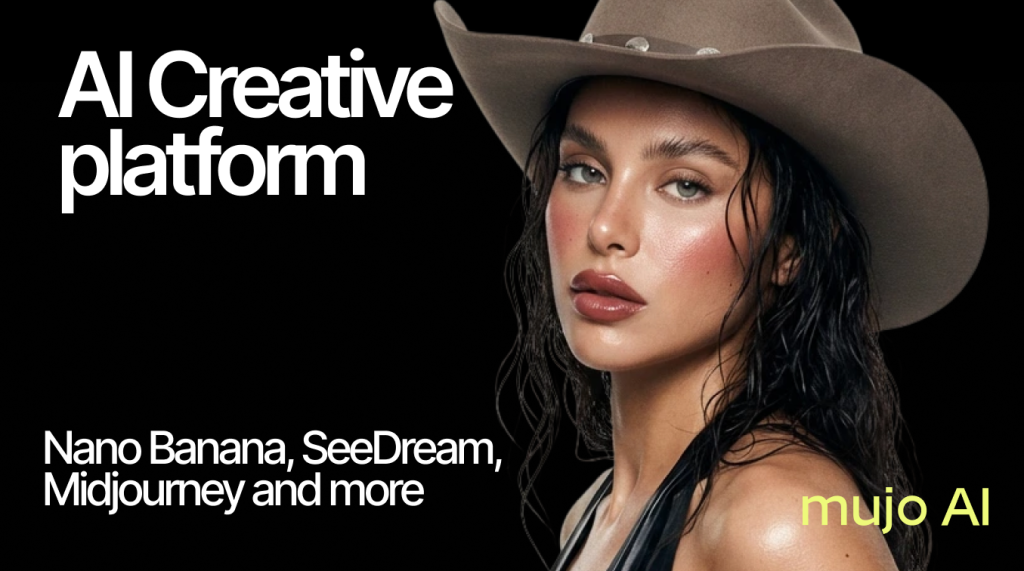
Mujo AI is a creative workspace for producing AI images and videos for ads, e-commerce listings and social media. Rather than building its own single model, it brings several well-known generators together in one interface, including Nano Banana, GPT Image, Seedream, Midjourney, Seedance, Kling, Veo and Grok Imagine, and wraps them in creative controls for camera, pose, lighting and framing.
Mujo describes itself as creator-first: besides generating content, users can build a portfolio and publish reusable mini-app workflows that brands or other users can run. It is aimed at independent creators, marketing and e-commerce teams, and everyday users who want realistic photoshoot-style images.
Key Features of Mujo AI
Many models in one workspace
Image and video models from different providers run from a single interface, so you can compare outputs without switching apps or subscriptions.
Creative controls
More than 1,000 pre-made controls cover model, look, pose, emotion, hairstyle, makeup, location, angle and lighting, letting you direct a shot rather than relying only on a text prompt.
Avatar builder and photoshoots
The Avatar 2.0 tool creates custom characters with many customisation options, and the photoshoot features turn a single image into a series of styled shots.
E-commerce studio
Tools generate product galleries, remove backgrounds, edit layouts and write listing copy. Fashion lookbooks and product photoshoots are marked as coming soon. A separate Fashion Studio, available to brands on request, aims to keep an uploaded garment's cut, fit and fabric consistent across every generated shot.
Prompt library and content studio
A library of more than 2,500 prompts and creator packs helps produce consistent image sets, while the content studio focuses on publish-ready short videos.
Mujo AI Pricing
Mujo runs on monthly credits, with different models costing different amounts per generation. The pricing page shows plans with annual billing (it advertises savings of up to 40% versus monthly), and extra credits can be bought on demand, starting at $2.60 for 200 credits.
Prices checked on October 27, 2026; check the official pricing page for current plans.
Who Should Use Mujo AI?
- E-commerce sellers who need product galleries, cut-outs and listing copy quickly.
- Marketing teams producing ad creatives and social videos at volume.
- AI creators who want a portfolio and shareable workflows to attract brand work.
- Individuals who want polished photoshoot-style images for personal or social use.
Is Mujo AI Worth It?
Mujo AI is worth considering if you regularly use several image and video models and would rather pay one subscription than many. The creative controls and e-commerce tools add practical value beyond raw prompting, and the entry plan is inexpensive.
The trade-off is the credit system: premium video models such as Veo or high-resolution Seedance consume credits quickly, so lower tiers allow only a handful of those generations each month. Some advertised studio features are still marked as coming soon, and the best prices require annual billing. Compare the per-model credit costs on the pricing page with your expected output before choosing a plan.