MyMap
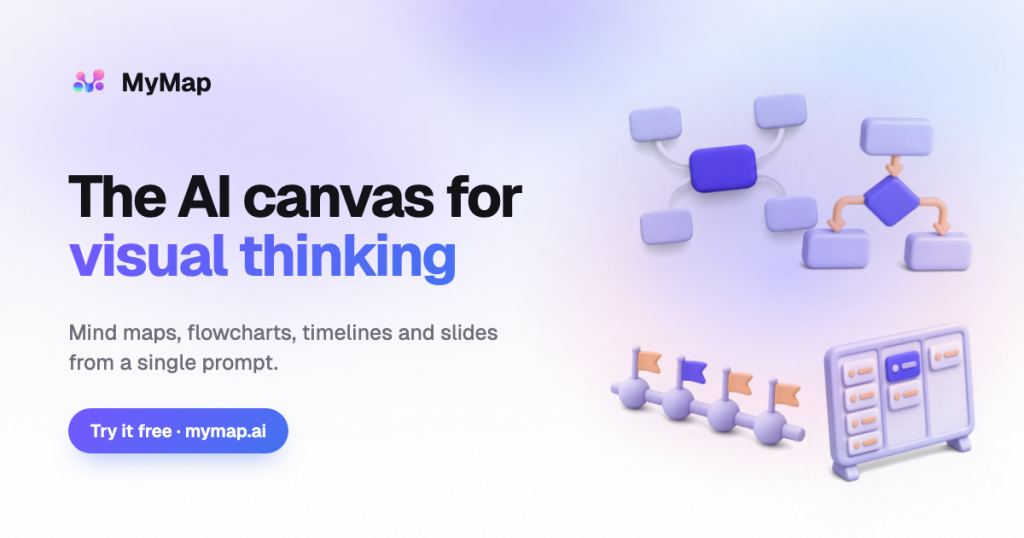
MyMap is an AI visual canvas that turns prompts, documents or YouTube links into editable mind maps, flowcharts and other diagrams, for students, consultants and teams.
What is MyMap?
MyMap is an AI visual canvas that turns a conversation into diagrams. You describe what you are working on, paste notes, or attach a PDF, Word file, image or YouTube link, and the AI chooses a suitable diagram type and draws it on an infinite canvas. It suits students, teachers, consultants, quality and compliance staff, and therapists who need clear maps, flowcharts and charts they can hand in or present.
Everything it creates stays editable, and you keep refining the board by chatting rather than dragging boxes around by hand.
Key Features of MyMap
Automatic diagram selection
You do not have to pick a template first. A strategy question can become a SWOT, a root-cause question a fishbone, and a process with decisions a flowchart. Supported formats include mind maps, org charts, swimlanes, timelines, Kanban boards, genograms, ERDs, BPMN, UML and Sankey diagrams.
Chat-based editing
Select a node and describe the change; the assistant updates that part of the board and leaves the rest untouched.
Import from many sources
Maps can start from a single sentence, pasted text, documents, images or a YouTube video, which is handy for turning lectures or interview transcripts into structured notes.
Frames into slides
Any framed area of the canvas becomes a slide. You can present from the browser or export a deck to PDF, one page per frame.
Export and sharing
Boards export to PNG, SVG, PDF or Markdown, or can be shared by link, either whole or as a selection.
Choice of AI models
Free users get fast economic models such as DeepSeek V4 Flash and Gemini 3.7 Flash, while paid plans add premium models including GPT-5.6 Terra, Claude Opus 5 and Gemini 3.1 Pro, selectable per message.
MyMap Pricing
MyMap charges credits only when the AI generates or rewrites something; editing, exporting and presenting are free. Credits do not roll over. Pro starts with a 14-day trial for $1, and paid plans come with a 7-day money-back guarantee.
Prices checked on October 28, 2026; check the official pricing page for current plans.
Who Should Use MyMap?
- Students turning lecture notes, slides or videos into revision maps.
- Consultants mapping client processes into swimlanes and SOP diagrams.
- Quality and compliance teams building A3 reports, 5 Whys and audit trees.
- Family therapists creating genograms by describing family relationships.
- Teams brainstorming ideas and turning them into a short slide deck.
Is MyMap Worth It?
MyMap is a good fit if you think visually but do not want to spend time arranging shapes. Letting the AI pick the diagram type and editing by conversation is faster than most traditional diagram tools, and the frames-to-slides feature means one board can also be your presentation. The free plan is enough to see how it works.
The free tier is tight, though: 20 credits a month, three editable maps and watermarked PNG exports. Pro is only billed annually at its advertised price, and the jump from Pro to Max is large. As with any AI-generated diagram, check the content for accuracy before handing it in. For students and consultants who make diagrams often, Pro offers solid value.