NoteGPT
NoteGPT is an AI agent and note tool that summarises YouTube, audio and PDFs, transcribes recordings, and creates documents, slides, spreadsheets, images, audio and video for study and work.
What is NoteGPT?
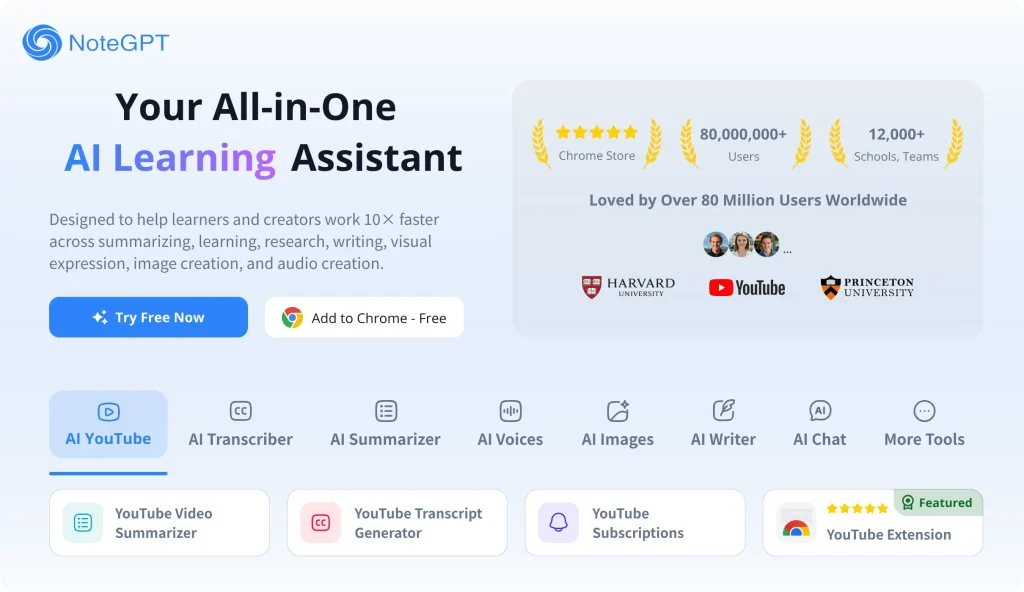
NoteGPT began as a summariser for YouTube videos and documents and has grown into a general AI agent for work and learning. You describe a task, and the agent works out the steps, picks the right tools and hands back an editable result, whether that is a summary, a transcript, a slide deck, a spreadsheet or a research report. It also includes separate tools for images, video, voice and podcasts. The product is aimed at students, educators, researchers, professionals and content creators.
You can use it in the browser at the official NoteGPT website, and a Chrome extension is available for summarising content while you browse.
Key Features of NoteGPT
AI Agent
The agent understands a goal, breaks it into steps, searches the web, writes, builds files and draws charts, then refines the output when you ask for changes. NoteGPT says it routes work across models such as GPT, Claude, Gemini and DeepSeek to balance quality, speed and cost.
Summaries of anything
Paste a YouTube link, upload audio or drop in a PDF and get key points, mind maps and visual notes. Whole YouTube channels can be summarised on higher tiers.
Transcription
Speech in audio and video files is transcribed with speaker separation and timestamps, and filler words and repetitions are cleaned up.
Documents, slides and spreadsheets
NoteGPT drafts documents from outline to final version, builds presentations with layout and visuals, and organises data into spreadsheets with formulas and charts.
Deep research
Research mode produces longer reports with cited sources, useful for literature reviews or background briefings.
Media generation
Image, video, text-to-speech and podcast generators sit alongside voice cloning and voice design, all drawing on premium credits.
NoteGPT Pricing
NoteGPT has a free tier and three paid plans. Each plan includes basic quotas for everyday features such as summaries and AI chat with basic models, plus premium credits for advanced features like voice, image and video generation. At the time of checking, annual billing was promoted as a limited-time 30% saving.
Prices checked on 2026-10-27; check the official pricing page for current plans.
NoteGPT Coupon Code
Use SAASTWEAKS for 20% OFF. According to the code's terms, it is available for all monthly subscriptions, so pick the monthly billing option on the pricing page, go to checkout and enter the code in the discount field before paying. Partner codes can change or be withdrawn by NoteGPT, so make sure the discount shows on your total before you confirm.
Who Should Use NoteGPT?
- College students who want lecture summaries, flashcards and help with papers.
- Educators preparing lesson plans, slides, quizzes and listening materials.
- Researchers who need literature reviews and cited summaries.
- Professionals turning reports and data into presentations and charts.
- Creators repurposing content into podcasts, voiceovers and visuals.
Schools and teams of three or more people can ask about SaveTogether group pricing, where each member keeps a separate quota.
Is NoteGPT Worth It?
NoteGPT packs a lot into one subscription, and for someone who regularly summarises videos, transcribes recordings and produces slides or documents, it can replace several separate tools. The free tier is a reasonable way to test the summariser. The trade-off is complexity: basic quotas and premium credits are consumed at different rates depending on the feature, so it is worth reading the credit policy before choosing a tier. The refund window is very short at 24 hours, and promotional purchases cannot be refunded, so start on a monthly plan if you are unsure. Commercial use of generated media is only listed on Max, which matters for creators publishing voice or podcast output.