PostNitro
PostNitro turns topics, links or text into on-brand carousels, image posts and short videos with AI, then schedules them to LinkedIn, Instagram, TikTok and more.
What is PostNitro?
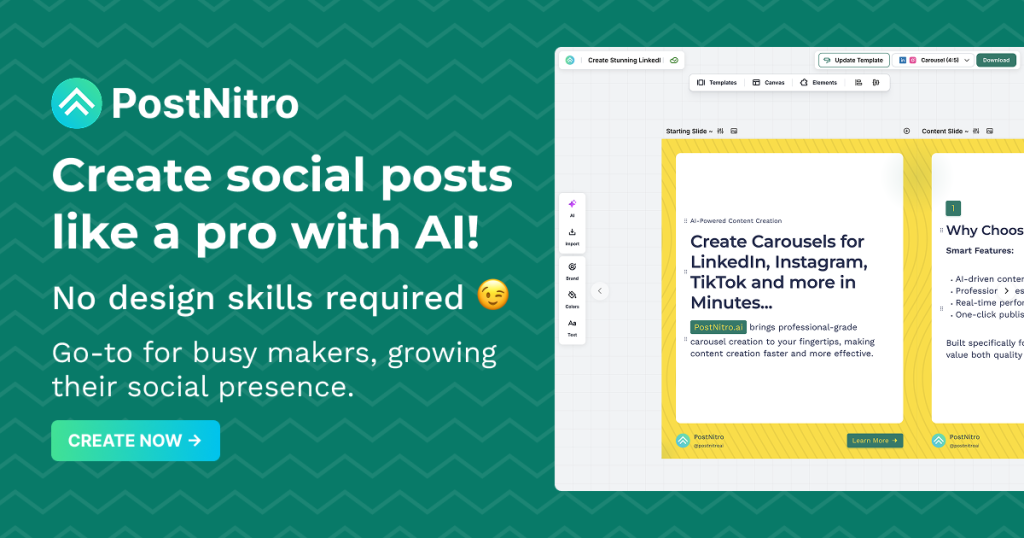
PostNitro is an AI design tool for social media carousels, single-image posts and short animated videos. You give it a topic, an article link, an X post or your own text, choose how many slides you want, and it writes and lays out the post using your brand colours, fonts and logo. You can then refine it in a drag-and-drop editor and either export it or schedule it to your social accounts.
It is aimed at LinkedIn and Instagram creators, social media managers, agencies and founders who post carousels regularly. Its editor is also embedded by other social media platforms, and the engine can be driven by AI agents through MCP, a CLI and a REST API.
Key Features of PostNitro
Nitro Chat AI Designer
An AI assistant beside the canvas drafts an outline for you to approve, then writes the slides. You can keep chatting to rewrite a slide, reorder content, turn text into an infographic or change colours and fonts.
Brand Kits
Upload your colours, fonts (including licensed custom fonts), logo, handle and team headshots once. Every template then redraws in your identity, and agencies can switch between client brands.
Freeform Editor and 100+ Templates
Templates are built for 4:5 feeds, with 1:1, 9:16 and 16:9 canvases available. The freeform editor lets you place elements anywhere, run an image across two slides and save designs as your own templates.
Carousels, Images and Video
One engine produces multi-slide carousels, single-image posts and animated MP4 videos of five to sixty seconds. AI images can be generated per slide, and content can be written in your audience's language or imported from CSV.
Scheduling and Native Publishing
On Creator+ and Team+, posts publish directly to LinkedIn, Instagram, TikTok, Threads, Facebook Pages and Pinterest from a monthly planner. Lower tiers export PNG, PDF or MP4 for manual posting.
Agent and Developer Access
PostNitro connects to Claude and ChatGPT from their directories, and offers an npm CLI, an MCP server and a REST API that run on API credits.
PostNitro Pricing
PostNitro has a free plan with no card required and three paid tiers. Yearly billing gives two months free. Paid plans start with a three-day trial, all prices are subject to tax, and subscriptions are refundable within seven days of purchase.
Prices checked on October 28, 2026; check the official pricing page for current plans.
Programmatic access is a $10/month add-on with 250 credits on Starter, or bundled into Creator+ and Team+. Importing a slide via the API costs 1 credit and AI-generating a slide costs 2.
Who Should Use PostNitro?
- LinkedIn creators who publish carousel posts several times a week.
- Social media managers who need on-brand posts across six networks.
- Agencies handling multiple client brand kits.
- Marketers turning blog articles into carousels or short videos.
- Developers and AI-agent builders automating social content creation.
Is PostNitro Worth It?
PostNitro is a focused, well-rounded tool for anyone whose social strategy leans on carousels. The combination of AI drafting, brand kits, a flexible editor and native scheduling covers the whole path from idea to published post, and agent access is a useful extra for automation.
The catch is in the tiers. The free plan adds a watermark and limits you to short carousels and five downloads, and the $15 Starter plan still cannot schedule or publish posts, so most active users will need Creator+ at $30/month. AI image allowances are modest on lower plans, and API access costs extra unless you are on a Plus plan. If you only need occasional designs, a general design tool may be enough; if carousels are central to your content, PostNitro is worth trying on the free plan first.