Reclaim
Reclaim is an AI calendar assistant for Google Calendar and Outlook that automatically schedules focus time, tasks, habits, breaks and meetings, with a free plan and per-seat team tiers.
What is Reclaim?
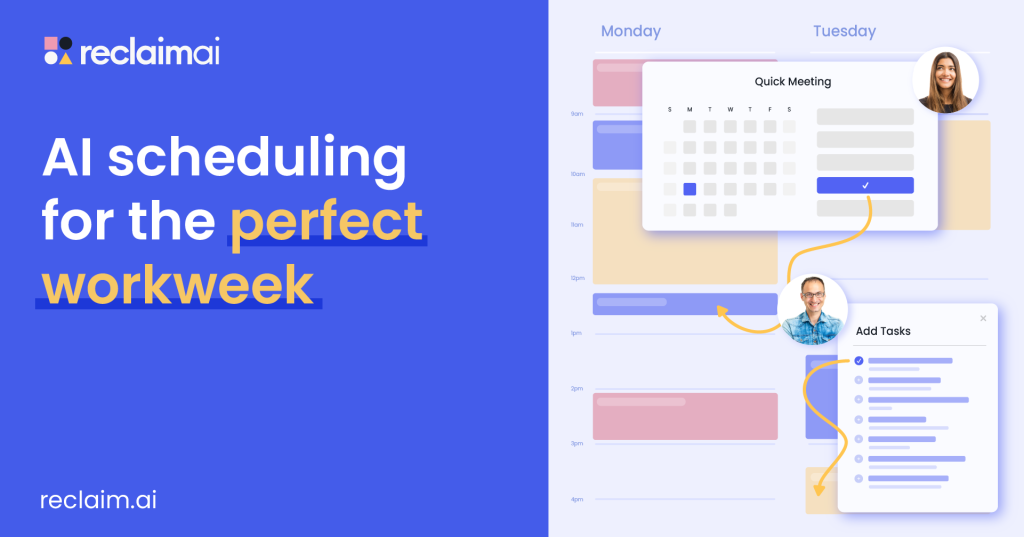
Reclaim is an AI calendar assistant that plugs into Google Calendar and Outlook and automatically finds time for the things that usually get squeezed out: focus work, tasks, recurring habits, breaks and meetings. You set goals and priorities, and its scheduling agents place and continually rearrange events as your week changes. The product is made by Reclaim.ai, Inc. and is available at reclaim.ai.
Individuals can use a free plan, while paid tiers add team features for departments such as engineering, sales, HR and executive assistants that need to protect focus time and coordinate meetings across many calendars.
Key Features of Reclaim
Focus Time and Habits
Set a weekly focus target or a routine such as lunch, exercise or planning, and Reclaim finds the best slots and defends them, moving them flexibly when meetings land.
AI task scheduling
Tasks from Asana, ClickUp, Todoist, Jira, Linear or Google Tasks can be scheduled into your calendar by priority and due date, with time blocked automatically.
Smart Meetings and Scheduling Links
Recurring meetings are placed at the best time for all attendees and rescheduled when conflicts arise. Scheduling links share your availability with external contacts.
Buffer Time and Calendar Sync
Reclaim can add breaks and travel time around meetings and copy events between personal and work calendars so others see accurate availability.
AI Assistant and analytics
A chat assistant helps plan and prioritise your schedule, while time-tracking reports and team analytics show how hours split between meetings, focus work and other activities.
Reclaim Pricing
Reclaim has a free plan for individuals and per-seat paid plans for teams, with about 20% saved on yearly billing. A free 14-day trial of paid features is offered.
Extra attendee-user packs for larger Smart Meetings are sold separately per plan. When we checked, the site displayed a one-day 30% new-user offer on Starter and Business and a separate vendor promotion advertising 20% off with the code MEETINGS; these offers are set by Reclaim and may change or end at any time.
Prices checked on October 27, 2026; check the official pricing page for current plans.
Who Should Use Reclaim?
- Knowledge workers whose focus time keeps disappearing under meetings.
- Managers and executive assistants coordinating many calendars.
- Engineering and product teams protecting deep-work blocks during sprints.
- People who want habits and breaks scheduled automatically around work.
Is Reclaim Worth It?
Reclaim works inside the calendars people already use, which makes adoption easy, and its free Lite plan is genuinely useful for individuals who want automatic focus time, habits and buffers. Paid plans are reasonably priced per seat and add longer scheduling ranges, more syncs and team-level analytics. The company also states it does not train AI on customer data.
The free plan schedules only one week ahead with a single calendar sync and link, so heavier users will outgrow it. It supports Google and Outlook calendars, so people on other calendar systems are left out, and auto-scheduling works best when the whole team adopts it. Enterprise pricing is yearly only. For anyone fighting a fragmented calendar, Reclaim is one of the more mature AI scheduling tools to try.