Vizard
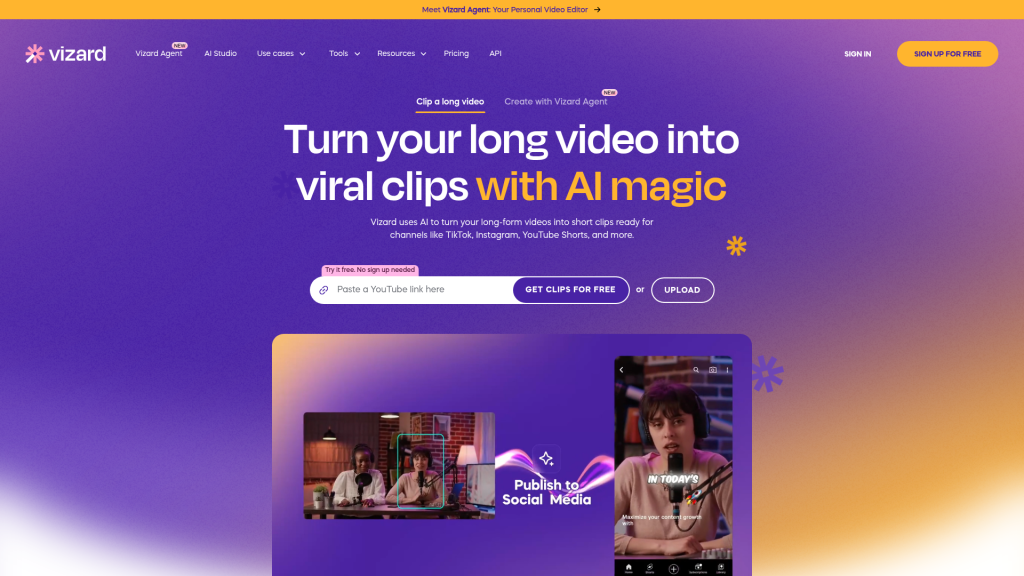
Vizard uses AI to find highlights in podcasts, webinars and interviews, reframe them into vertical clips with captions, and schedule them to TikTok, Reels and YouTube Shorts.
What is Vizard?
Vizard (vizard.ai) is an AI video editing and clipping tool that turns long recordings such as podcasts, webinars, interviews and courses into short vertical clips for TikTok, Instagram Reels and YouTube Shorts. It transcribes the footage, picks highlights, reframes speakers for 9:16 and adds captions, then lets you edit, schedule or publish the results. A newer Vizard Agent extends this to creating videos from templates such as product ads, explainers and event recaps.
It is used by creators, coaches, marketers, agencies and freelancers who need a high volume of social clips from existing content.
Key Features of Vizard
AI clipping and auto-reframe
Vizard identifies engaging moments, cuts them in one click and keeps the main subject centred in vertical format, producing many clips from a single long video.
Vizard Agent templates
The agent offers 22 templates covering ideas like product and software ads, talking-head videos, tutorials, UGC ads, listicles, AI avatar clips and mini-documentaries.
Text-based editing and timeline
You can trim by deleting words in the transcript and fine-tune on a timeline, with one-click aspect ratio changes for different platforms.
Captions, translation and AI extras
Auto-subtitles can be translated into more than 100 languages, and paid plans add AI emojis, highlighted keywords, AI B-roll and suggested post text.
Brand templates and team workspace
Saved brand templates keep clips consistent, and the Business plan adds a shared workspace where team members and clients can review projects.
Scheduling, API and mobile
Clips can be published or scheduled to connected social accounts, saved to Google Drive, accessed through an API with plan-based rate limits, and managed from an iOS app.
Vizard Pricing
Vizard uses credits where one credit equals one minute of uploaded video. Paid plans can be scaled to larger annual credit bundles, and yearly billing is currently shown at 50% off. Subscriptions renew automatically until cancelled.
Prices checked on October 28, 2026; check the official pricing page for current plans.
Who Should Use Vizard?
- Podcasters and video creators building a short-form presence from long episodes.
- Coaches and business owners clipping webinars, client calls and interviews.
- Marketing teams turning one webinar into a month of social posts.
- Agencies and freelancers handling clip production for several clients.
Is Vizard Worth It?
Vizard is one of the more complete clipping tools, combining highlight detection, reframing, a capable editor, translation and scheduling, with 4K export on paid plans. The yearly pricing is competitive for creators who post regularly, and the free plan is enough to judge clip quality.
Free exports are limited to 720p and files are kept for only three days. Every uploaded minute costs a credit, so long recordings consume allowances quickly, and team seats on Business are charged extra. AI-selected clips are a starting point and usually benefit from a quick human review for context and pacing. If you mainly publish to one platform and edit clips heavily by hand, a cheaper caption tool may be enough; if you want a full pipeline from upload to scheduled post, Vizard is worth testing on the free tier first.