Voilà
Voilà is an AI assistant extension and app that reads the page you are on to summarise, write, reply to emails, research the web and generate images, aimed at busy professionals and teams.
What is Voilà?
Voilà (often written Voila AI) is an AI assistant that lives where you already work instead of in a separate chat tab. It runs as a browser extension and also ships as a desktop app for Windows and macOS and as a mobile app for iOS and Android. Because the extension can read the page you are on, it can summarise an article, draft a reply to an email thread, rewrite a paragraph or answer questions about a document without copying and pasting.
It is aimed at knowledge workers, marketers, recruiters, students and small teams who use AI for many small writing and research jobs every day and want one tool that follows them across websites and apps.
Key Features of Voilà
Context-aware help on any website
Voilà can work with the content of the current page, a URL or an email conversation, then summarise, translate, rewrite or reply to it. This saves the constant switching between a chatbot and the page you are working on.
Email drafting and Instant Reply
The assistant drafts new emails, improves existing ones and offers one-click Instant Reply suggestions, plus reusable email templates for recurring messages.
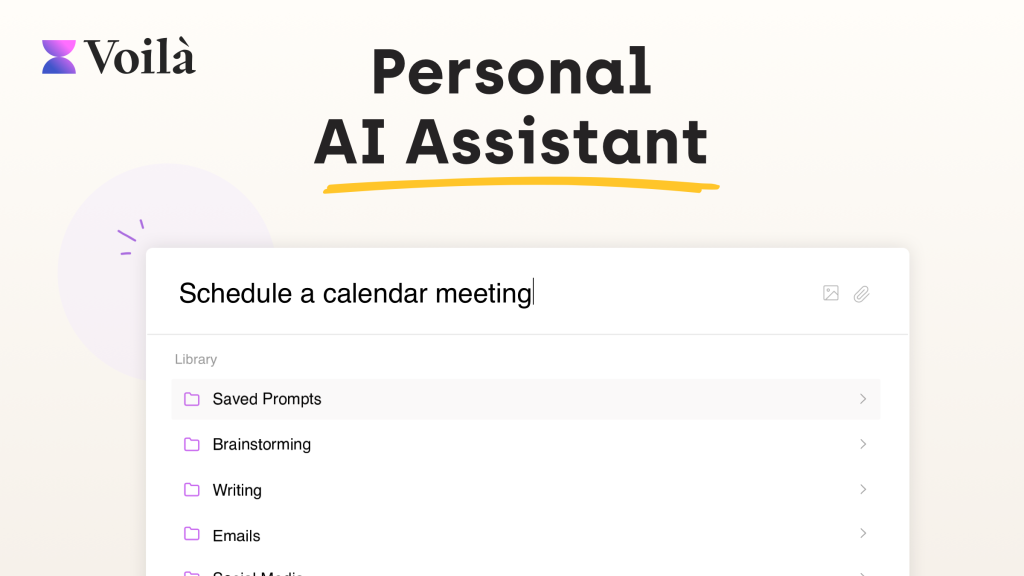
Prompt library and saved prompts
A built-in library of ready-made prompts covers tasks such as ad copy, landing pages, blog posts, cover letters, job descriptions and release notes. You can also save and organise your own prompts for reuse.
Chat with documents, images and YouTube
Higher plans let you upload documents, spreadsheets and pictures to analyse or summarise them, and you can pull transcripts from YouTube videos to turn them into notes or new content.
Research with web access
Paid plans can search the web for current information, which helps when you need recent news, trends or facts rather than answers limited to a model's training data.
Writing tools and image generation
Grammar and spelling fixes, paraphrasing, translation and summarisation sit alongside text-to-image generation, so simple visuals can be created from the same assistant.
Voilà Pricing
Voilà has a free tier for trying the assistant and two individual paid plans, with roughly 20% savings when you choose annual billing. A Bring Your Own Key option lets you connect your own OpenAI API key to unlock Ultimate features at a lower price.
On the Ultimate plan, GPT-5.6 use is subject to a fair usage policy of about 500,000 words per month, after which requests fall back to GPT-5 mini.
Prices checked on October 27, 2026; check the official pricing page for current plans.
Who Should Use Voilà?
- Professionals who answer a lot of email and want fast, polished drafts inside their inbox.
- Marketers and content writers who need quick first drafts for ads, social posts and landing pages.
- Students and researchers who summarise articles, PDFs and videos.
- Non-native English speakers who want help with grammar, tone and translation.
- Small teams that want to share prompt workflows and templates.
Is Voilà Worth It?
Voilà is a good fit if most of your AI use is short, practical tasks spread across many websites. Having the assistant available on any page, in the inbox and on desktop and mobile removes a lot of friction, and the prompt library helps people who are not sure how to phrase requests. The paid plans are priced below many standalone chatbot subscriptions, especially on annual billing.
There are limits to keep in mind. The free tier is a small allowance of requests rather than an ongoing plan, document and image chat are reserved for Ultimate, and heavy GPT-5.6 use is capped by a fair use policy. Because it relies on third-party models, answers can still contain errors, so important facts need checking. Teams with strict data rules should also review how page content is processed. Overall, it is a convenient everyday assistant that is easy to test before paying. Find out more on the official Voilà website.