Wondershare Filmora
Wondershare Filmora is a Windows and Mac video editor with AI generation, audio cleanup, captions and smart cutting, aimed at creators, marketers and educators.
What is Wondershare Filmora?
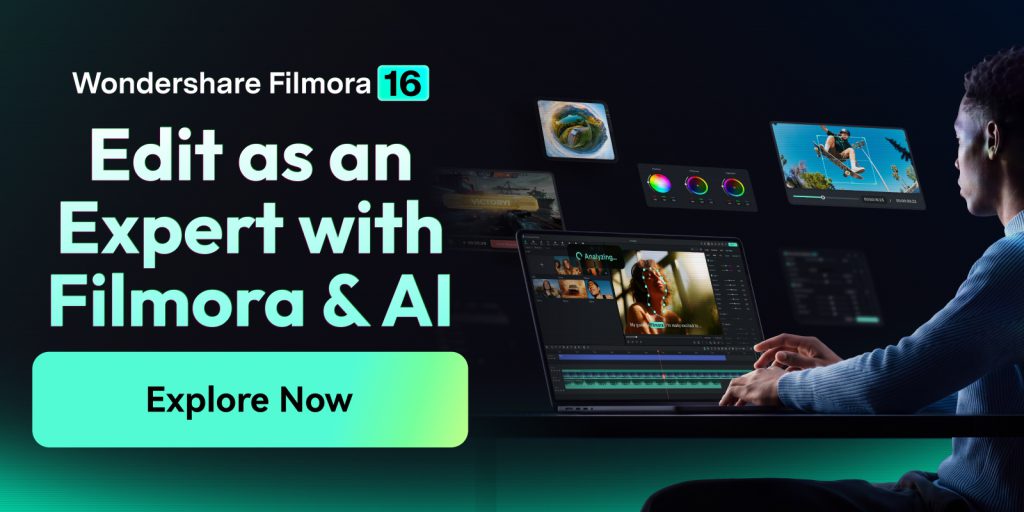
Wondershare Filmora is a desktop video editor from Wondershare that combines a traditional timeline with a growing set of AI tools. Version 16 is available for Windows and macOS, with a mobile app also offered. It aims to sit between simple phone editors and professional suites, giving YouTubers, marketers, educators and hobbyists room to grow without a steep learning curve.
Most of Filmora's newer features, from generating clips to cleaning up audio, run on AI credits, while classic editing tools such as keyframes, colour grading and tracking are included in the software itself.
Key Features of Wondershare Filmora
AI media analysis and rough-cut tools
Filmora can scan imported footage, identify people, scenes, actions and speech, and generate tags and summaries so you find usable shots faster. Text-based editing, pause removal and Smart Scene Cut speed up the first assembly.
AI generation inside the timeline
Text-to-video, image-to-video, audio-to-video, idea-to-video and AI Extend let you create or lengthen shots and then refine them alongside your own footage. AI images, stickers, music and sound effects are also available.
Voice, audio and captions
Text-to-speech, voice cloning, an AI voice enhancer, noise reduction and a subtitle generator with dedicated caption tracks help with narration and accessibility. AI translation helps localise videos.
Picture and colour tools
The AI Video Enhancer, object remover, flicker removal and stabilisation fix imperfect footage, while colour wheels, curves, HSL, LUTs and Color Mask cover grading.
Advanced editing
Multi-camera editing, planar and motion tracking, keyframe curves, masking, dual timelines and 360° reframing support more ambitious projects. XML import and Final Cut Pro 7 XML export help move projects between editors.
Creative assets
Templates, effects, titles, transitions, music and stock media are available, with the full library of 2.9M+ items tied to paid tiers or the Creative Assets add-on.
Wondershare Filmora Pricing
Filmora offers a free version plus annual subscriptions and a one-time perpetual licence. The prices below are the US-dollar individual plans; team, business and education pricing is listed separately. AI features on paid plans draw from AI credits, which only Advanced, Perpetual (one-time allowance) and Premium include. All purchases carry a 30-day money-back guarantee under Wondershare's refund policy. When checked, Advanced and Premium were shown at reduced prices, and adding the 14-day Creative Assets trial at checkout gave an extra 10% off; that add-on renews at US$19.99/month unless cancelled.
Prices checked on October 27, 2026; check the official pricing page for current plans.
Who Should Use Wondershare Filmora?
Filmora fits YouTubers, social media managers and small businesses that edit regularly on a desktop and want AI shortcuts without leaving a familiar timeline. Teachers and trainers can record screens and webcams together and add captions quickly, while marketers can reframe one edit into several aspect ratios and languages. Users who dislike subscriptions can choose the perpetual licence, accepting that it covers Filmora 16 updates only.
Is Wondershare Filmora Worth It?
Filmora is a capable, approachable editor whose base plans are inexpensive. The value question is mostly about AI credits: Basic includes none, so anyone planning to use generation, enhancement or voice features regularly should budget for Advanced or Premium. The free version is fine for learning the interface but watermarks exports. Compared with professional editors, Filmora trades some depth for speed and simplicity, which many creators will consider a fair exchange. Download it from the official Filmora website.