Wondershare PDFelement
Wondershare PDFelement is a PDF editor for desktop, mobile and web that adds AI reading, summaries, translation and chat-with-PDF to everyday editing, conversion, OCR and e-signing.
What is Wondershare PDFelement?
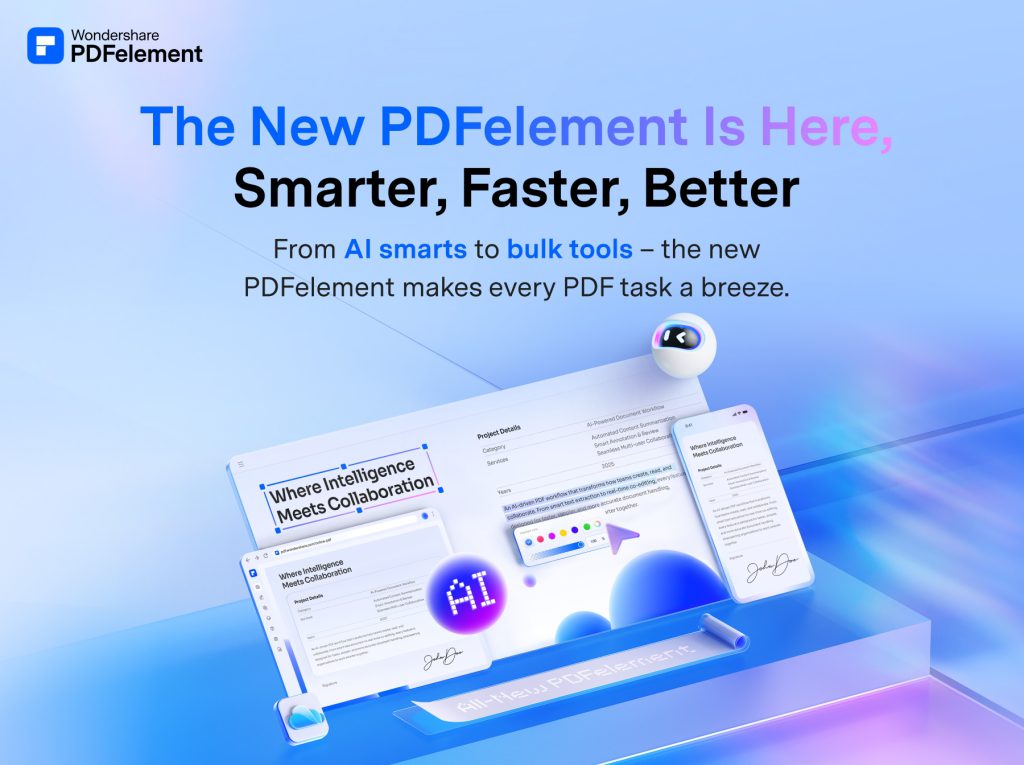
PDFelement is Wondershare's PDF editor, now marketed as an all-in-one PDF solution powered by AI. Alongside the usual editing, converting and signing tools, it adds AI features that explain, summarise and translate documents and let you ask questions about a file's contents.
It is aimed at office workers, students, legal and finance teams, and anyone who handles a lot of PDFs. The software runs on Windows and Mac, with companion apps for iOS and Android and a web version, and paid plans include cloud storage for syncing files across devices.
Key Features of Wondershare PDFelement
AI reading and chat
The AI reader can explain passages, produce summaries, translate content and generate bookmarks automatically. A chat-with-PDF mode answers questions about the open document.
Editing and page tools
Text and images can be edited directly, and you can add backgrounds, watermarks, headers, footers and Bates numbers. Pages can be cropped, resized, reordered, split, merged or compared between versions.
Conversion and compression
Files convert to and from common formats, and a compression tool reduces file size with adjustable image DPI and quality settings, including batch processing of whole folders.
OCR for scans
Optical character recognition turns scanned pages into searchable, editable text, and a table recognition tool extracts tabular data.
E-signatures and forms
You can sign documents and send signature requests, and use PDF templates and form tools for common paperwork. The free trial includes one signature request, while paid plans include three.
Read aloud and annotation
A read-aloud function narrates documents with adjustable settings, which is handy for reviewing material on the go, and a full set of markup tools covers highlights, underlines, sticky notes and text comments for collaborative review.
Wondershare PDFelement Pricing
The Windows individuals store page lists each plan with a cross-platform price and a cheaper single-platform price, shown against struck-through list prices with discounts of up to 91% (cross-platform) and 79% (single-platform). Mac, team, education and bundle prices are on separate tabs.
A second perpetual offer was also displayed at US$139.99 (cross-platform) and US$129.99 (single-platform). Paid plans list no watermark, free tech support and 100GB (cross-platform) or 20GB (single-platform) of cloud storage, and the comparison table shows 50 PDF AI uses on paid plans.
Prices checked on October 27, 2026; check the official pricing page for current plans.
Who Should Use Wondershare PDFelement?
- Office teams that edit, convert and sign PDFs every day.
- Students and researchers who want quick summaries and translations of long papers.
- Small businesses digitising paper records with OCR.
- Freelancers who need e-signatures without a separate signing service.
- Users who prefer a one-time licence over an ongoing subscription.
Is Wondershare PDFelement Worth It?
PDFelement is a capable, broad PDF editor, and its AI reading tools add real convenience when you deal with long documents. Cross-platform availability and the option of a perpetual licence make it flexible for different budgets.
The buying experience is less tidy: the store shows several overlapping plans with heavy promotional discounts, AI use is metered, and the perpetual licence is tied to version 13 with only temporary mobile and web access. Try the free trial with your own documents, then pick the cheapest plan that matches the platforms you actually use.