Zapier AI
An automation platform connecting AI steps, app workflows, agents and chatbots, designed to move information and work between business services.
What is Zapier AI?
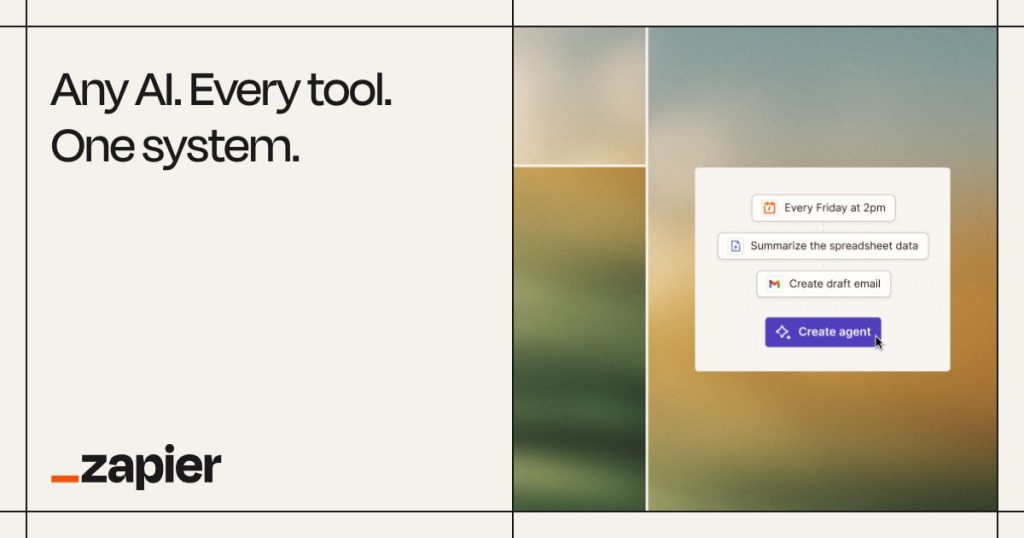
Zapier AI refers to the AI-enabled capabilities within Zapier’s automation platform, including workflow steps, agents and chatbots. The central idea is to connect an AI task with the applications where work already happens. A summary can become a draft record, a classification can route a request and a chatbot can use approved information. Each connection also introduces permissions, operational dependencies and possible failure modes.
The official Agents safety guide, updated in October 2026, says Zapier is moving Agents to AI by Zapier. Check the current migration guidance and product names when configuring an existing workflow. The important distinction is between generating text and taking action. An incorrect draft can be edited; an incorrect automated action may notify a customer, alter a record or start another workflow. Good automation design therefore begins with a clear process and a decision about which steps are deterministic, which need AI judgment and which require a person’s approval.
Practical workflow: triage incoming business requests
Choose one intake channel and define the information a request must contain. Create a small set of categories with examples and explicit fallback rules. For instance, a support process may separate account access, billing and product questions, with ambiguous cases sent for human review. Remove personal information that the classification step does not need. Test the process with realistic but non-sensitive examples before connecting a live channel.
Use an AI step only for the part that benefits from interpreting language. Keep checks such as required fields, allowed values and duplicate detection explicit. Ask the model for a constrained output and validate it before the next action runs. An unexpected category should enter a review queue rather than silently becoming a new workflow branch. Preserve the original request so a reviewer can understand why it was routed.
Begin by creating draft records or internal notifications. Compare the routing with a human’s decision and inspect disagreements. When the process is dependable enough for its risk level, expand carefully. Add monitoring for failed runs, unavailable connections and unusual volume. Document who owns the workflow and how it can be paused. A process without an owner can continue making the same mistake long after the person who built it has moved on.
Who should consider Zapier AI?
Zapier AI can fit operations, marketing, sales and support teams whose repetitive work crosses several applications. It is especially relevant when the process is already understood and the problem is moving information between systems. If the underlying workflow changes every day or has no clear rules, start by simplifying it. Automating an undefined process can multiply confusion rather than remove it.
Evaluate a complete journey, including errors and exceptions. Measure the share of requests routed correctly, the effort saved after review and the time required to recover from a failed run. Include the cost of app subscriptions and any model-provider usage. This is more informative than counting the number of connected services or the number of steps in a demonstration.
Permissions, data and limitations
Connected accounts can grant meaningful access to business information and actions. Use a suitable service account where appropriate, limit its permissions and review connections when staff roles change. Treat incoming email, documents and web content as untrusted inputs. Their text should not be allowed to redefine the workflow’s authority or instruct an agent to reveal information.
Review Zapier’s agent safety guidance and the terms of every service involved in the data path. An automation may pass information through an AI provider as well as the source and destination apps. Keep sensitive fields out of the process when they are unnecessary. Use approval steps for consequential communication or changes, and maintain an audit trail that supports investigation and correction.
Pricing model and alternatives
Zapier offers free entry and paid plans, while different products and usage types can have distinct allowances. Check workflow volume, agent activity and any external AI billing before choosing a plan. Estimate normal use and a plausible spike so the process remains predictable. For work centered inside a knowledge workspace, compare Notion AI; for building a custom internal app, consider Replit.
Frequently asked questions
Is Zapier AI one standalone chatbot?
No. It is a set of AI-enabled automation capabilities across workflows, agents, chatbots and connected applications.
Should every workflow step use AI?
No. Use explicit rules for predictable checks and reserve AI for language or judgment tasks where it adds value.
Can an agent safely act without review?
That depends on the permitted action and its consequences. Start with constrained tasks, validate outputs and retain human approval for consequential changes.
Primary sources and editorial verification
Product information checked on 16 October 2026. This profile is based on official documentation, with an original suggested workflow; it does not claim a hands-on benchmark.